
WordPress Article
Advanced Image Delivery with CDN and Next-Gen Formats for WordPress Success | JR Web Design
Learn advanced image delivery with CDN and next-gen formats with practical advice on implementation, performance, security, SEO, and scalable website workflows for better results.
Understanding the Basics of Image Delivery
When it comes to your website, images are crucial. They make your content engaging and visually appealing. However, if not managed properly, images can slow down your website significantly. This is where advanced image delivery techniques come into play.
In this guide, we’ll explore how using a Content Delivery Network (CDN) and next-gen image formats can improve your website’s performance. Whether you are a small business owner, a tradie, or just someone managing a WordPress site, this information is essential for you.
What is a CDN?
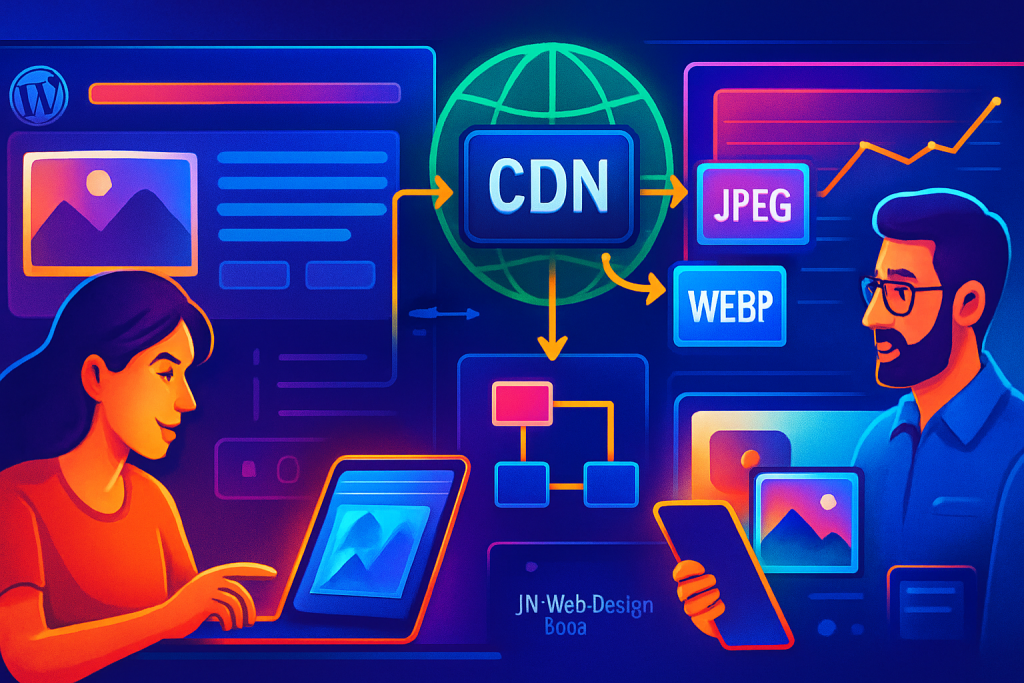
A CDN is a network of servers distributed across various locations. When a user visits your website, the CDN serves the content from the nearest server, reducing latency and loading times. This is particularly useful for images, which can be large files that require significant bandwidth.
Benefits of Using a CDN for Image Delivery
Implementing a CDN has numerous benefits, especially for image-heavy websites:
- Faster load times for users worldwide.
- Reduced server load and bandwidth costs.
- Better scalability during high traffic.
- Improved SEO rankings due to enhanced performance.
Next-Gen Image Formats Explained
Next-gen image formats like WebP and AVIF are designed to provide higher quality at smaller file sizes compared to traditional formats like JPEG and PNG. This means users can enjoy faster loading times without sacrificing image quality. WebP can reduce file sizes by up to 30% without noticeable quality loss, making it an ideal choice for web use.
Setting Up CDN in WordPress
Setting up a CDN in WordPress is straightforward, thanks to various plugins available. Here are step-by-step instructions to get you started:
- Choose a CDN provider, like Cloudflare or StackPath.
- Sign up and create an account.
- Follow the setup wizard provided by the CDN.
- Install a suitable WordPress plugin, such as WP Rocket or W3 Total Cache.
- Configure the plugin settings to enable the CDN.
- Test your website to ensure images are loading from the CDN.
Converting Images to Next-Gen Formats
To make the most of next-gen formats, you need to convert your existing images. This can be done through plugins like ShortPixel or Imagify, which automatically compress and convert your images as you upload them. These plugins often offer bulk optimization features that can save you time and effort.
Maintaining Image Quality
While compressing images, it’s essential to maintain their quality. Always preview images before finalising them. Good plugins usually provide a preview feature to help you make the right decision. Consider setting a balance between compression levels to find the sweet spot that retains visual integrity while improving load times.
Modern WordPress Design Angle
Integrating advanced image delivery techniques can dramatically enhance modern WordPress design. A clean, fast-loading site not only looks appealing but also keeps users engaged. A well-optimised site with stunning visuals can significantly reduce bounce rates.
When using themes, opt for those that are compatible with CDN services and next-gen formats. Many modern themes come with built-in support for these technologies, making it easier for you to implement them without extra plugins. Themes that are responsive and lightweight can further improve user experience on various devices.
Security Considerations
Using a CDN also enhances your website’s security. Many CDNs offer DDoS protection and other security features, helping to safeguard your site from potential attacks. Ensure that the CDN provider you select has robust security measures in place. Regularly update your WordPress core, themes, and plugins to close any vulnerabilities.
Choosing the Right Plugins
With numerous plugins available, selecting the right ones for your website is crucial. Consider the following when making your choice:
- User reviews and ratings.
- Compatibility with your theme and other plugins.
- Regular updates and support from the developers.
Performance Monitoring
Once you’ve implemented a CDN and converted to next-gen formats, it’s important to monitor the performance of your website. Use tools like Google PageSpeed Insights or GTmetrix to check how well your site performs. Regularly testing your site can help you identify further improvements. Consider setting benchmarks to track your progress over time.
Conclusion
Advanced image delivery using CDN and next-gen formats is not just a trend; it’s a necessity for modern WordPress websites. With faster load times, improved user experience, and better SEO performance, adopting these techniques will set your website apart from the competition.
By following the steps outlined in this guide, you can significantly enhance your website’s efficiency and appeal. Invest in the right tools, keep your images optimised, and watch your website grow!
Additional Tips for Image Optimization
To further enhance your image delivery strategy, consider the following tips:
- Utilize lazy loading for images to reduce initial page load times.
- Regularly audit your images to remove any outdated or underperforming files.
- Implement responsive images to serve the appropriate size based on user devices.
The Role of Image Compression
Image compression plays a pivotal role in optimizing your website’s performance. By reducing file sizes without compromising on quality, you can ensure faster loading times and a better user experience. Tools like TinyPNG and ImageOptim can help in compressing images effectively before uploading them to your WordPress site. Additionally, consider using lossless compression techniques when applicable to retain image fidelity.
Understanding Image SEO
Images also play a significant role in SEO. Properly optimized images can enhance your site’s visibility in search engines. Ensure you use descriptive file names and alt text that accurately reflects the image content. This not only helps with SEO but also improves accessibility for users with disabilities. Implementing structured data for images can further assist search engines in understanding your content.
Future-Proofing Your Image Strategy
As technology evolves, so does the landscape of image formats and delivery methods. Stay updated on the latest trends and innovations in image delivery to ensure your website remains competitive. Regularly evaluate your current strategies and be open to adopting new technologies that can enhance your site’s performance. Engaging with community forums and following industry leaders can provide insights into the best practices for image optimization.
In conclusion, by leveraging advanced image delivery techniques, you can not only enhance the aesthetic appeal of your WordPress site but also ensure it performs optimally across all devices and platforms. Remember, a well-optimized site is key to user retention and satisfaction.