
WordPress Article
Setting Up Consent Mode and Privacy-Friendly Analytics: A Practical Guide for WordPress Users
Learn setting up consent mode and privacy-friendly analytics with practical advice on implementation, performance, security, SEO, and scalable website workflows for better results.
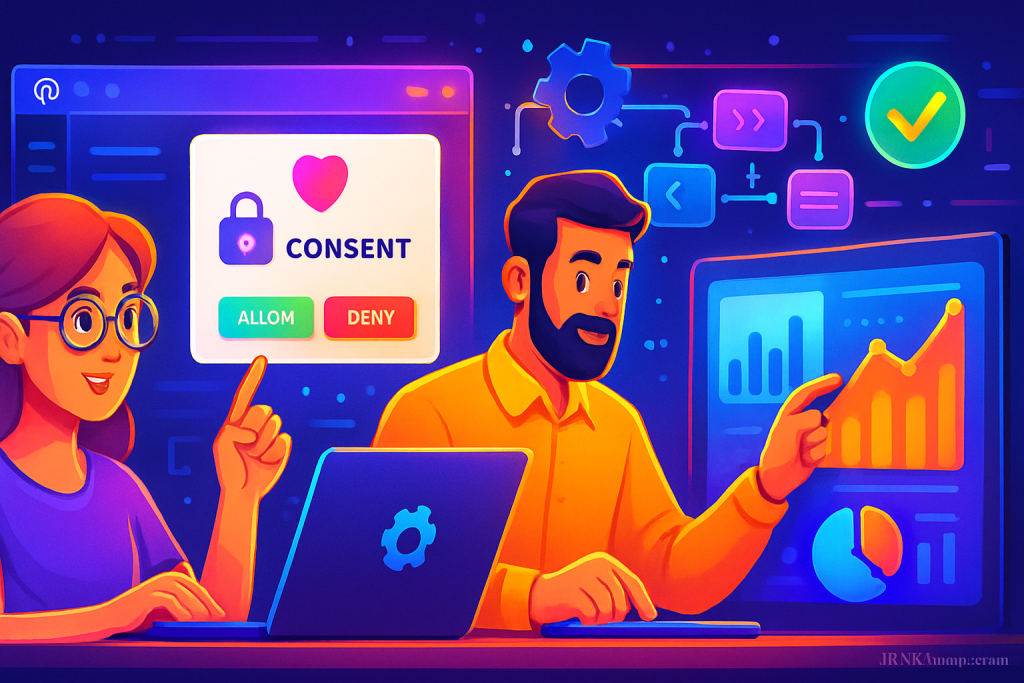
Welcome to Your Guide
In today’s digital age, ensuring user privacy while tracking website analytics is essential for any business.
Understanding Consent Mode and Its Importance
Consent mode is a feature that allows you to adjust how your website collects data based on user consent. With privacy regulations becoming stricter (think GDPR, CCPA), ensuring your website is compliant is not just a legal requirement; it’s also a trust-building exercise with your audience.
As a small business owner or tradie, you might feel overwhelmed by the technicalities. However, understanding consent mode and implementing privacy-friendly analytics can enhance your website’s performance and user trust.
The Basics of Privacy-Friendly Analytics
Privacy-friendly analytics tools focus on collecting data without compromising user privacy. This means you can still measure your website’s performance without invasive tracking methods.
Here are a few popular privacy-friendly analytics tools you might consider:
- Matomo: An open-source alternative that puts you in control of your data.
- Plausible: A lightweight analytics tool that respects user privacy.
- Simple Analytics: Straightforward tracking without cookies.
How to Set Up Consent Mode in WordPress
Setting up consent mode in WordPress is easier than you might think. Here are the steps you can follow:
Step 1: Choose a Consent Management Plugin
Start by selecting a consent management plugin. Some popular options include:
- CookieYes
- Complianz
- WP Consent API
These plugins help you create cookie banners that inform users about data collection practices and allow them to give or deny consent.
Step 2: Configure Your Selected Plugin
After installing your chosen plugin, navigate to its settings. You’ll typically find options to customize your cookie banner’s text, design, and behaviour. Make sure to clearly explain what data you’re collecting and why.
Step 3: Integrate with Your Analytics Tool
Integrating your consent management plugin with a privacy-friendly analytics tool is crucial. Most plugins will allow you to enable or disable tracking based on user consent automatically.
Step 4: Test Your Setup
Once everything is set up, test your configuration. Visit your website in an incognito window to ensure the consent banner appears and that analytics tracking works correctly when consent is given.
Optimising Performance and Security
Implementing consent mode and privacy-friendly analytics can impact your website’s performance. Here are some tips to ensure your site remains fast and secure:
- Regularly update your plugins and themes to patch any vulnerabilities.
- Use a Content Delivery Network (CDN) to speed up loading times.
- Minimise the number of plugins to avoid potential conflicts.
- Leverage browser caching to improve performance.
Modern WordPress Design Angle
When setting up consent mode and privacy-friendly analytics, consider modern WordPress design principles. A clean, user-friendly interface will encourage visitors to provide consent.
Here are some design tips to enhance user experience:
- Use a clear and concise cookie consent message.
- Ensure the banner is responsive on mobile devices.
- Incorporate contrasting colours to make the banner stand out without being intrusive.
By integrating these design principles, you can create a seamless experience that respects user privacy and enhances trust.
The Importance of Transparency
Transparency is key when it comes to user data. Let your audience know how their information will be used. Providing clear privacy policies and consent forms fosters trust and can lead to higher conversion rates.
Consider creating a dedicated privacy page that outlines your data practices. This can include information about what data is collected, how it is used, and how users can opt-out. A well-structured privacy policy not only aids in compliance but also reassures users that their data is being handled responsibly.
Regularly Monitor and Update Your Settings
After setting up your consent mode and analytics, it’s vital to regularly monitor your settings. User expectations and legal requirements can change, so staying updated will ensure ongoing compliance.
Consider scheduling quarterly reviews of your consent management system and analytics configuration to keep everything in check. This can include checking that all plugins are functioning correctly, updating any outdated policies, and ensuring that your cookie consent banner is still relevant and effective.
Integrating User Feedback
User feedback is invaluable when it comes to refining your consent management and analytics strategy. Consider implementing feedback forms or surveys to gather insights on how users perceive your cookie consent banners and privacy policies. This can provide a clearer picture of whether users find the consent process transparent and user-friendly.
Moreover, actively engaging with your audience can help you identify potential areas for improvement. If users express confusion or frustration regarding your consent process, take that feedback seriously and make necessary adjustments. This not only improves user experience but also enhances your brand’s reputation.
The Role of Education and Awareness
Educating your users about their privacy rights and how their data is used is crucial. Create informative content, such as blog posts or FAQs, that explain your data practices in simple terms. This can demystify the consent process and empower users to make informed decisions.
Engaging with your audience through newsletters or social media can also raise awareness about your privacy practices. The more informed your users are, the more likely they are to trust your website and provide consent.
Conclusion: Take the Next Steps
Setting up consent mode and privacy-friendly analytics might seem daunting, but it’s entirely achievable. With the right plugins, a clear understanding of your responsibilities, and a focus on user experience, you can create a trustworthy environment for your visitors.
By implementing the strategies outlined in this guide, you’ll not only comply with privacy regulations but also enhance your business’s reputation. Remember, a privacy-friendly approach to analytics is not just a trend; it’s the future of online business.
Additionally, staying informed about the latest trends in web design and analytics can help you adapt to new challenges. Engage with communities, attend webinars, and read up on industry best practices to ensure you remain ahead of the curve. Knowledge is power, and in the realm of digital privacy and analytics, it can significantly impact your business’s success.