
WordPress Article
WordPress Theme Customisation Without Breaking Updates
A practical guide to WordPress theme customisation without breaking updates, including real WordPress theme advice, usability, speed, and a focused modern design section.
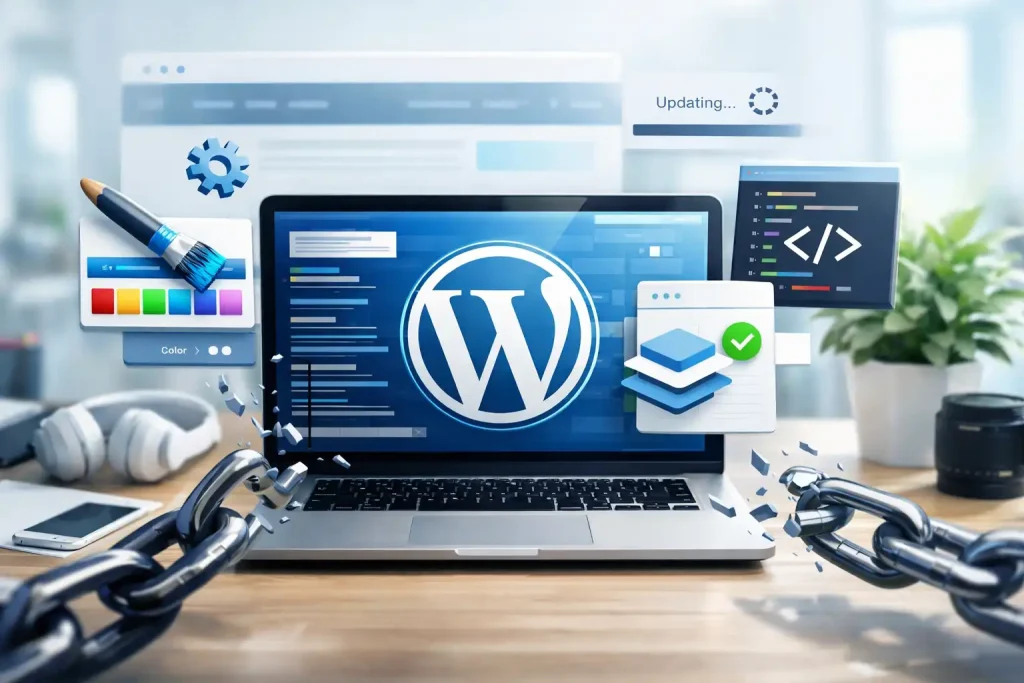
Customising your WordPress theme is easier than you think!
When you delve into the world of WordPress, one of the first things you’ll likely want to do is customise your theme. After all, your website’s appearance is crucial for making the right impression on visitors. However, many beginners and small business owners worry about making changes that could interfere with future updates. In this guide, we’ll explore how to navigate WordPress theme customisation effectively, ensuring you don’t break anything in the process.
Understanding WordPress Themes
Before diving into customisation, it’s essential to understand what a WordPress theme is. A theme dictates the look and feel of your website. It controls everything from layout to colour schemes. WordPress provides a plethora of themes, both free and premium, allowing you to choose one that aligns with your brand’s identity. The diversity in themes means that you can find options that cater to specific niches, whether you’re running a blog, an e-commerce store, or a portfolio site. Familiarising yourself with the theme’s options panel can also unlock additional features that make customisation more intuitive.
Why Customise Your Theme?
Customisation allows you to personalise your site, making it unique in a sea of similar options. It helps in branding, enhances user experience, and can even improve search engine optimisation (SEO) when done correctly. A well-customised theme can build trust with your audience, making them more likely to engage with your content or services. Additionally, customisation can lead to better site performance. By optimising elements such as images and scripts, you can reduce load times, thereby improving user retention and satisfaction.
The Dangers of Direct Theme Editing
One common pitfall beginners fall into is editing the theme files directly. While it might seem straightforward, this approach can lead to several issues. When your theme receives an update, all your changes may be lost. This leads to extra work and potential confusion down the line. Moreover, direct edits can sometimes create conflicts with plugins or other parts of your website, resulting in unexpected behaviour. It’s crucial to understand that themes are designed to be flexible and adaptable, and there are safer, more efficient ways to achieve your customisation goals.
Best Practices for Theme Customisation
To avoid the risks associated with direct edits, there are a few best practices you should follow. First, consider using a child theme. A child theme allows you to make changes while keeping your primary theme intact. Any updates to the parent theme won’t affect your customised child theme, preserving your work. This method not only safeguards your modifications but also keeps your site’s functionality intact during updates, providing peace of mind. Another approach is to utilise the built-in WordPress customiser. This tool provides a user-friendly interface for tweaking various elements of your theme without needing to touch the code. From changing colours to altering layouts, the customiser makes it easy to see real-time changes before saving them. It’s an invaluable tool for those who may not be comfortable with coding but still want to make impactful changes.
Utilising Plugins for Further Customisation
Plugins can significantly enhance your customisation efforts. They allow you to add features and functionalities without modifying your theme. For instance, page builder plugins enable drag-and-drop editing, letting you design layouts effortlessly. Look for popular options like Elementor or Beaver Builder, which are user-friendly for beginners. These plugins often come with templates and modules that streamline the design process, making it easier to create visually appealing pages. Additionally, consider plugins that focus on performance optimisation, as they can help ensure your customisations do not slow down your site. Other plugins can assist in adding social media integration, enhancing SEO, or even improving site security, giving you a comprehensive toolkit for customising your site.
Modern WordPress Design Angle
Modern website design leans heavily on usability, speed, and aesthetics. As you contemplate your customisations, keep in mind the principles of modern design. A clean layout with ample white space increases readability. Mobile responsiveness is vital; ensure your site looks great on all devices, as more users browse on smartphones. Furthermore, consider the elements that build trust with visitors. Incorporating clear calls to action, professional images, and user-friendly navigation are essentials. A modern design should not only be visually appealing but also enhance functionality and user experience. Keeping up with design trends, such as minimalism and the use of bold typography, can also give your site a contemporary edge that resonates with visitors. By focusing on these aspects, you can create a site that not only looks good but is also effective at converting visitors into loyal customers.
As you implement these modern design principles, remember to test your changes across different devices and screen sizes. Tools like BrowserStack can help you view how your site appears on various platforms, ensuring a consistent user experience.
Testing Your Customisations
Once you’ve made your changes, it’s crucial to test them. Check how your site appears on different devices and browsers. Use tools like Google’s Mobile-Friendly Test and GTmetrix to analyse speed and performance. Remember, a slow loading site can deter visitors and hurt your SEO. Additionally, consider conducting user testing to gather feedback on the usability of your site. This can provide invaluable insights into areas that may need further improvement, ensuring that your site meets the expectations of your target audience. Testing should not be a one-time event; regularly revisit your site to ensure that it continues to function well as you make further updates.
Maintaining Your Site
Regular maintenance is key to keeping your site running smoothly. Update your themes and plugins regularly, as developers often release security patches and performance improvements. If you’re using a child theme or a custom plugin setup, ensure you keep those updated as well. Regular backups are also essential; they act as a safety net, allowing you to restore your site quickly in case of any issues. Implementing a maintenance schedule can help keep you on track, ensuring that you allocate time for updates, backups, and performance checks.
The Future of Your WordPress Site
As trends evolve, so should your site. Stay informed about the latest in web design and user experience. Regularly revisit your customisations to ensure they still align with your brand and meet the needs of your audience. Testing new features or designs periodically can keep your site fresh and engaging. Consider incorporating user feedback into your customisation strategy, as this can provide direction on what enhancements will resonate most with your visitors. Embracing change and being willing to adapt will ensure that your WordPress site remains relevant and effective.
Ultimately, customising your WordPress theme doesn’t have to be daunting. With the right approach, you can create a unique online presence without compromising future updates. Whether you’re a beginner, a tradie, or a small business owner, these strategies will help you navigate the world of theme customisation confidently. By following these guidelines, you’ll not only protect your customisations but also enhance your site’s appeal and functionality. With a strong focus on modern design principles, your website can stand out, attract visitors, and convert them into loyal customers.
Happy customising!