
WordPress Article
WordPress Plugin Update Strategy for Small Business Owners
Learn WordPress plugin update strategy for small business owners with practical advice on setup, performance, SEO, and a small modern WordPress design angle for better results.
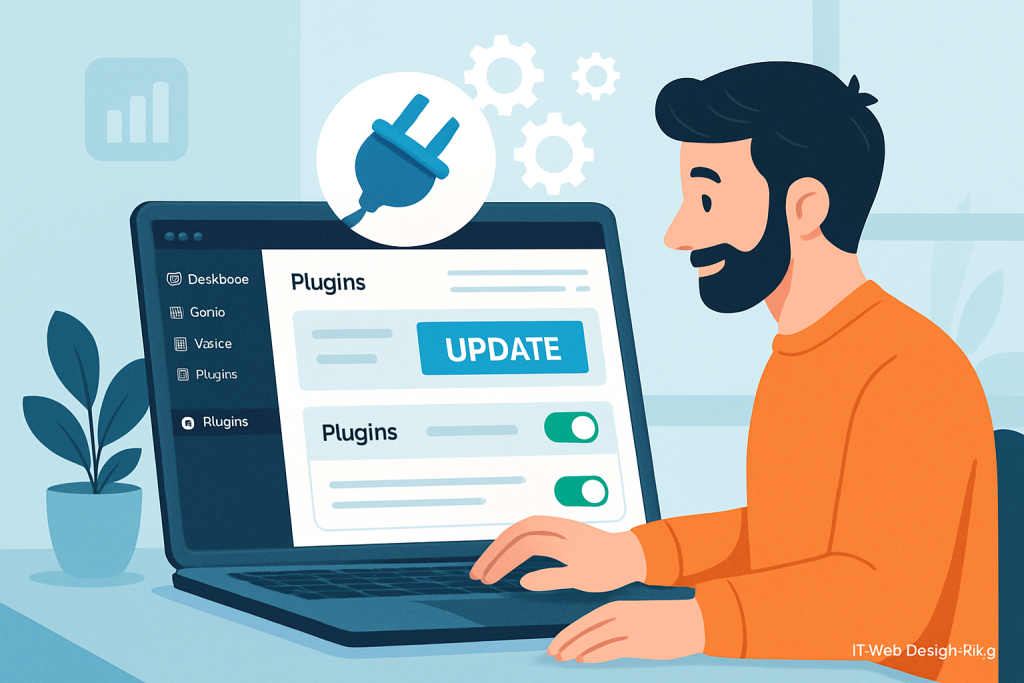
Navigate Your WordPress Journey
Discover actionable insights into managing WordPress plugins effectively.
Understanding WordPress Plugins
WordPress plugins are the lifeblood of your website functionalities. They enhance your site’s capabilities, allowing you to extend its usefulness beyond the default settings of WordPress. For small business owners, choosing and managing these plugins effectively is crucial for creating a seamless user experience. With thousands of plugins available, finding the right ones can significantly impact your site’s performance and usability.
Why Plugin Updates Matter
Keeping your plugins up to date is essential for several reasons:
- Security: Outdated plugins can leave your site vulnerable to attacks.
- Performance: Updates often include performance enhancements that can speed up your site.
- Compatibility: Updates ensure that your plugins work well with the latest version of WordPress.
- New Features: Developers frequently add new functionalities with updates.
Regularly updating your plugins not only protects your site but also elevates the overall user experience. Additionally, updated plugins often come with bug fixes and optimizations that can enhance the functionality of your website. Moreover, keeping abreast of plugin updates can also help prevent conflicts between different plugins, which can compromise site performance.
Developing a Plugin Update Strategy
A solid update strategy can save you time, reduce stress, and prevent potential issues down the line. Here’s how you can develop an effective update strategy:
1. Create a Backup Routine
Before you make any updates, ensure that you have a reliable backup of your site. This way, if something goes wrong during the update process, you can restore your site to its previous state without losing any data. Utilize backup plugins or hosting solutions that offer automated backups to streamline this process. Regular backups can also serve as a safety net against server failures or other unforeseen issues.
2. Schedule Regular Updates
Establish a routine for checking and applying updates. This could be weekly or bi-weekly, depending on how often you add new plugins or updates. Setting a specific day can make it a habit. Consider using tools that can notify you of available updates to keep you on track. A consistent schedule can help mitigate risks associated with outdated plugins.
3. Test Updates on a Staging Site
Before applying updates directly to your live site, consider setting up a staging environment. This allows you to test updates without affecting your actual site. This step is particularly useful for complex sites with numerous plugins, as it helps you identify potential conflicts before they impact your users. Testing in a staging environment can also help you understand how updates will affect the user experience.
4. Monitor Plugin Performance
Regularly assess the performance of your plugins. If a plugin is causing slow loading times or conflicts, it may be time to look for an alternative. There are numerous plugins available, so don’t be afraid to switch. Performance monitoring tools can help you identify issues and fine-tune your plugin selection. Keeping an eye on analytics can also shed light on how plugins affect user behavior on your site.
5. Stay Informed
Follow the developers of your essential plugins on social media or subscribe to their newsletters. This way, you’ll stay informed about updates and potential issues. Engaging with the community can also provide insights into best practices and emerging trends. Networking with other small business owners can offer additional perspectives on plugin management and optimization.
Common Plugin Pitfalls to Avoid
As a small business owner, it’s easy to fall into common traps when managing plugins. Here are a few pitfalls to steer clear of:
- Ignoring Plugin Compatibility: Always check if your plugins are compatible with the latest WordPress version.
- Overloading on Plugins: Too many plugins can slow down your site. Only keep the essentials.
- Neglecting User Reviews: Before installing a plugin, read user reviews to gauge its reliability.
Modern WordPress Design Angle
An effective plugin update strategy is also intertwined with modern web design practices. As small business owners, understanding the aesthetics of your site can enhance user engagement. Here’s how you can integrate modern design with your plugin strategy:
1. Responsive Design: Ensure that the plugins you choose support responsive design. This means your site will look great on both mobile and desktop devices. A responsive site is crucial in today’s mobile-first world. Additionally, ensure that your site’s layout adjusts seamlessly across various screen sizes.
2. Minimalistic Approach: Choose plugins that align with a clean, minimalistic design. This reduces clutter and improves navigation, making it easier for users to find what they need. A streamlined interface can significantly enhance user satisfaction, as it creates a more enjoyable browsing experience.
3. Fast Loading Times: Opt for lightweight plugins that enhance performance without slowing down your site. Performance is a key factor in modern web design. Users expect quick load times, and slow sites can lead to high bounce rates. Tools like Google PageSpeed Insights can help you evaluate your site’s speed and identify areas for improvement.
4. Accessibility Features: Consider plugins that enhance accessibility, ensuring your site is usable for all visitors, including those with disabilities. This not only broadens your audience but also demonstrates a commitment to inclusivity. Implementing accessible design principles can improve your site’s usability for everyone.
By combining your plugin update strategy with modern design principles, you can create a site that not only functions well but also looks great and serves all users effectively. Emphasizing user experience in both functionality and design will lead to better engagement and retention.
Conclusion
A solid WordPress plugin update strategy is essential for small business owners looking to maintain a secure, efficient, and visually appealing website. By following the outlined steps and keeping modern design principles in mind, you can ensure that your site remains a valuable asset to your business. Remember, your website is often the first impression potential customers will have of your business, so make it count. Investing time in your plugin management and design will pay off in user retention and satisfaction. Moreover, a well-managed website reflects positively on your brand, enhancing your credibility in the digital marketplace.