
WordPress Article
Website Uptime Monitoring and Incident Response Basics for Small Businesses and Beginners | JR Web Design
Learn website uptime monitoring and incident response basics with practical advice on implementation, performance, security, SEO, and scalable website workflows for better results.
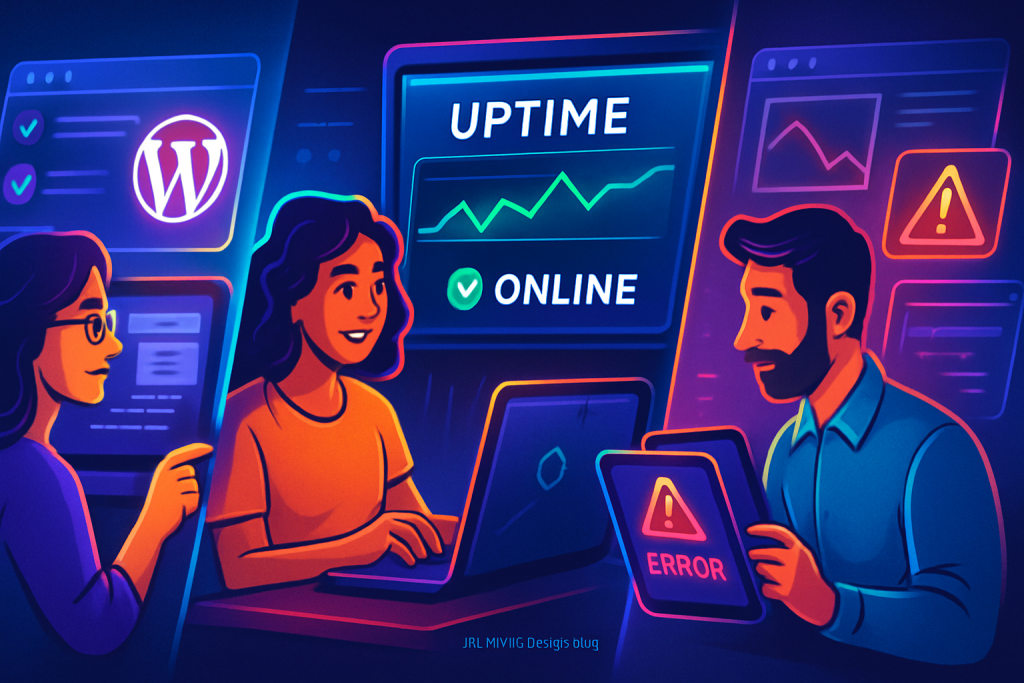
Introduction to Website Uptime Monitoring
Every business owner knows the importance of a functioning website. However, how often do you check if your website is actually up and running? Website uptime monitoring is critical for ensuring that your site is always accessible to your customers. In this post, we’ll explore the basics of website uptime monitoring and incident response, specifically focusing on how to implement it using WordPress plugins.
Understanding Uptime Monitoring
Uptime monitoring is the process of constantly checking your website’s availability. The primary goal is to identify downtime as soon as it occurs so that you can act quickly. A downtime situation may arise due to various reasons—server issues, coding errors, or even DDoS attacks.
Essentially, uptime monitoring is like having a security guard for your website. You want someone (or something) watching over it to alert you if something goes wrong. This proactive approach ensures a seamless experience for your users, helping to maintain your site’s credibility and SEO rankings.
Having a consistent uptime monitoring strategy can save you from potential revenue loss, as downtime can lead to missed opportunities. Customers expect websites to be available 24/7, and even a few minutes of downtime can affect your business reputation. Therefore, investing in a robust uptime monitoring system is not just a technical necessity but a strategic business decision.
Key WordPress Plugins for Uptime Monitoring
There are numerous plugins available for WordPress that can help you monitor your site’s uptime effectively. Here are a few of the best options:
- Jetpack: A comprehensive plugin with uptime monitoring features; it alerts you via email when your site goes down.
- WP Monitoring: This plugin tracks your website and provides real-time alerts whenever downtime occurs.
- StatusCake: An external service that integrates with WordPress to monitor uptime and performance.
- Site24x7: Ideal for businesses looking for advanced monitoring options, including server uptime and performance metrics.
Each of these plugins comes with its own set of features. Depending on your needs, you may prefer one over another. The key is to choose a plugin that offers real-time notifications, historical uptime data, and performance insights.
Additionally, consider the user interface and ease of use when selecting a plugin. A user-friendly interface can make it easier to navigate through settings and interpret monitoring data. Some plugins also offer integrations with other tools that you might already be using, enhancing your overall workflow.
Setting Up Your Uptime Monitoring Plugin
Once you’ve chosen a plugin, the next step is to set it up. Here’s a general guide:
- Install the plugin via your WordPress dashboard.
- Activate the plugin and navigate to its settings.
- Configure the monitoring frequency (every few minutes works well).
- Set up your alert preferences (email, SMS, etc.).
- Save your settings and run a test to ensure everything works.
This basic setup will get you started. Make sure to regularly check the plugin’s performance and adjust settings as needed. Additionally, familiarize yourself with the reporting features of the plugin to stay updated on your website’s performance over time.
Incident Response Basics
Monitoring is only the first step. What happens when an incident occurs? Effective incident response is crucial for minimising damage. Here are the basics of incident response:
- Assess the Situation: Confirm that your site is down. Sometimes, it might be a local issue.
- Investigate the Cause: Check server logs, plugin compatibility, and any recent changes.
- Implement Fixes: Depending on the root cause, you might need to roll back updates, contact your hosting provider, or even consult a developer.
- Notify Users: Be transparent with your customers. Use social media or email to inform them of the downtime and expected resolution time.
- Document Everything: Keep a record of the incident for future reference. This will help you improve your response for next time.
Having a clear incident response plan will significantly reduce your site’s recovery time and help maintain customer trust. Regularly review and update this plan to incorporate learnings from past incidents.
Performance Considerations
While uptime monitoring is vital, it’s also important to consider how it might impact your website’s performance. Continuous requests to check your site can slow it down or even lead to false alarms.
To mitigate these issues, consider the following:
- Set a reasonable monitoring frequency—every few minutes is typically sufficient.
- Use lightweight plugins that won’t bloat your site.
- Regularly review your uptime monitoring reports to ensure accuracy.
Furthermore, consider using a Content Delivery Network (CDN) to distribute the load and enhance the speed of your website. A CDN can also help in reducing downtime by providing an additional layer of accessibility during high traffic periods.
Security Considerations
Website security is closely tied to uptime. A compromised site may go down due to malicious activity. To bolster your security:
- Keep your WordPress core, themes, and plugins updated.
- Use security plugins like Wordfence or Sucuri to monitor for threats.
- Regularly back up your website to recover quickly from incidents.
A secure site is less likely to experience downtime, so invest time and resources in security measures. Implementing two-factor authentication can also add an extra layer of protection against unauthorized access.
Modern WordPress Design Angle
In today’s digital landscape, website design plays a crucial role in user experience and uptime. A well-designed WordPress site enhances performance and can reduce the chances of downtime caused by heavy resource usage. Here are some modern design considerations:
- Responsive Design: Ensure your site looks good on all devices. A poorly designed site can lead to increased error rates.
- Optimise Images: Large images can slow your site down, leading to potential downtime. Use image optimisation plugins to compress images without losing quality.
- Minimalist Themes: Choose lightweight themes that cut down on unnecessary elements. The fewer resources your site uses, the better your uptime will be.
Incorporating these modern design elements not only improves aesthetics but also contributes to overall site reliability. Additionally, consider using lazy loading techniques to improve loading times and reduce server strain.
Advanced Monitoring Techniques
Beyond basic uptime monitoring, there are advanced techniques that can enhance your website’s reliability. These include:
1. **Synthetic Monitoring:** This involves simulating user interactions on your website to identify potential issues before they affect real users. By routinely checking key user flows, you can catch problems early.
2. **Real User Monitoring (RUM):** Unlike synthetic monitoring, RUM collects data from actual users visiting your site. This provides insights into how different factors, such as location and device type, affect performance.
3. **Alerting and Reporting:** Set up customized alerts that notify you of specific issues, such as slow response times or high error rates. This can help you take immediate action before it impacts a larger audience.
4. **Integration with Analytics:** Combining your uptime monitoring with analytics tools can provide a comprehensive view of your site’s health. Understanding user behavior alongside uptime data can help you make informed decisions about improvements.
Conclusion
In a world where online presence is essential, website uptime monitoring and a solid incident response plan are non-negotiable. By implementing the right WordPress tools and following best practices, you can ensure your website remains accessible to your customers. Remember, the key to a successful online business is not just having a beautiful site but also one that is reliable and always ready for visitors.
Take the steps today to monitor your website’s uptime, respond effectively to incidents, and cultivate a strong online presence. Your business deserves it! Moreover, continuous improvement in both your uptime monitoring and website design will set you apart from your competitors, leading to a more resilient online business.