
WordPress Article
Creating Accessible Website Forms With Strong UX: Improve Engagement and Conversions for Your WordPress Site
A practical guide to creating accessible website forms with strong UX, including UX, accessibility, speed, conversion, and modern website design decisions for better results.
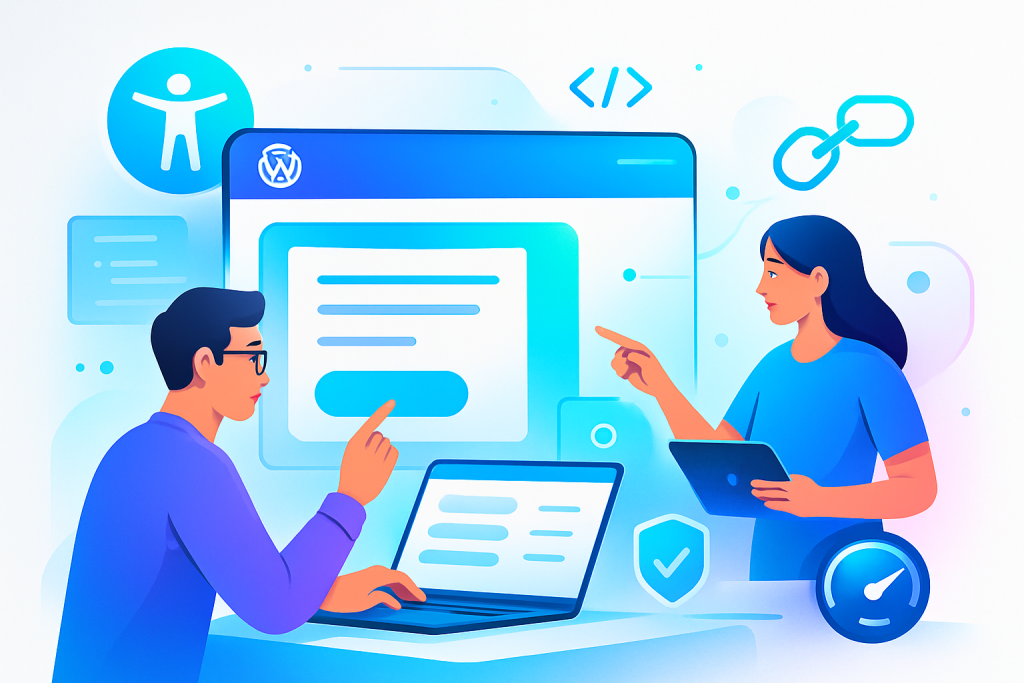
Introduction
Creating accessible website forms is vital for engaging visitors, boosting conversions, and ensuring a great user experience (UX). This guide provides practical steps to design forms that anyone, including individuals with disabilities, can use easily. Let’s explore how good UX and accessibility can go hand in hand, particularly in the context of WordPress.
Why Accessible Forms Matter
Accessibility in web design ensures that everyone can interact with your content. This includes people with visual, auditory, and physical disabilities. Accessible forms are vital for a few reasons:
- They improve user satisfaction.
- They increase the likelihood of conversion.
- They can enhance your brand’s reputation.
Elements of Strong UX in Forms
Creating forms with strong UX involves understanding user expectations and making interactions as smooth as possible. Here are key elements to consider:
1. Clear Labeling
Every field should have a clear label that describes its purpose. For instance, instead of just writing “Email,” the label can state, “Your Email Address.” This clarity helps users know exactly what information is required.
2. Logical Flow
Arrange fields in a logical order. Start with personal information, then move on to specifics related to the form’s purpose, such as addresses or service requests. This helps users complete forms more intuitively.
3. Error Handling
Provide immediate, clear feedback when errors occur. For example, if a user forgets to fill a required field, the form should highlight the issue and explain how to correct it.
4. Mobile Responsiveness
Ensure forms are easy to fill out on mobile devices. This means using larger touch targets and ensuring fields are easy to navigate on smaller screens.
Tips for Designing Accessible Forms
Here are some practical tips to enhance accessibility when designing your forms:
1. Use ARIA Landmarks
The Accessible Rich Internet Applications (ARIA) specification can help you create accessible forms. Using ARIA landmarks, you can improve navigation for users with screen readers.
2. Contrast and Readability
Make sure text contrasts well with the background. Use legible fonts and avoid overly complicated language. This helps everyone read and complete the forms.
3. Avoid Captchas
Captchas can be a barrier to accessibility. Consider using alternative methods for verifying users, like email verification, to enhance usability.
Modern WordPress Design Angle
Modern WordPress design offers tools and plugins to create user-friendly forms. Choose themes that prioritise accessibility, such as those compliant with WCAG (Web Content Accessibility Guidelines). Popular plugins like WPForms and Gravity Forms come with built-in accessibility features, making your tasks easier.
When selecting a theme, look for options that allow customisation of form fields, labels, and error messages, enabling you to create forms that align with your brand while remaining accessible. Additionally, consider leveraging tools like Elementor or Beaver Builder, which facilitate drag-and-drop form creation and ensure that accessibility remains a priority throughout the design process.
Moreover, keep an eye on the latest design trends, such as minimalism and flat design, which can enhance the visual appeal of your forms. Using ample white space and a clean layout can help direct users’ attention to the form fields without overwhelming them. This approach not only improves aesthetic appeal but also enhances functionality.
Another critical aspect of modern WordPress design is the integration of user feedback mechanisms. Implementing features like satisfaction surveys or post-submission feedback can provide valuable insights into user experiences with your forms. This data can help you iterate on your designs, ensuring they remain effective and user-centric.
Testing Your Forms
After designing your forms, thorough testing is crucial. Here’s how you can ensure your forms are accessible and user-friendly:
- Test with screen readers to ensure all labels and error messages are announced correctly.
- Ask users with disabilities for feedback on your forms.
- Utilise online tools to check for accessibility compliance.
Additionally, consider conducting usability testing sessions where real users interact with your forms. Observe how they navigate through the fields and identify any potential pain points. This hands-on approach can unveil issues that automated testing might miss.
Measuring Success
Finally, monitor the performance of your forms. Track metrics like submission rates and abandonment rates to identify areas for improvement. Adjust your design based on feedback and analytics to enhance both accessibility and UX. Additionally, consider implementing A/B testing to experiment with different form designs and layouts, allowing you to identify which configurations yield the best results.
Utilising tools like Google Analytics can provide insights into user behaviour on your forms. By setting up goals, you can measure how effectively your forms convert visitors into leads or customers. This data can guide your design choices and help you refine your approach.
Conclusion
Creating accessible website forms with strong UX is not just about compliance; it’s about building a better experience for all users. By focusing on clarity, logical flow, and feedback, you enhance usability and trust. With modern WordPress tools, crafting these forms has never been easier. Start today, and watch your engagement and conversions grow. Remember, accessibility is an ongoing process; continuously seek feedback and stay updated on best practices to ensure your forms remain user-friendly and inclusive. Moreover, as technology evolves, staying informed about new plugins and tools that enhance accessibility will ensure your forms remain at the forefront of user experience design.
Related posts
- Visual Hierarchy Techniques For Longer Website Pages: Boost Readability and Engagement with Effective Design Strategies
- Advanced Website Caching Strategies for Faster Load Times: Practical WordPress Insights for Small Businesses
- Using Whitespace Effectively In Professional Web Design For Better User Experience And Improved Conversions