
WordPress Article
Advanced Cookie And Session Handling For Secure Websites: Practical Tips for Your WordPress Site
Learn advanced cookie and session handling for secure websites with practical advice on implementation, performance, security, SEO, and scalable website workflows for better results.
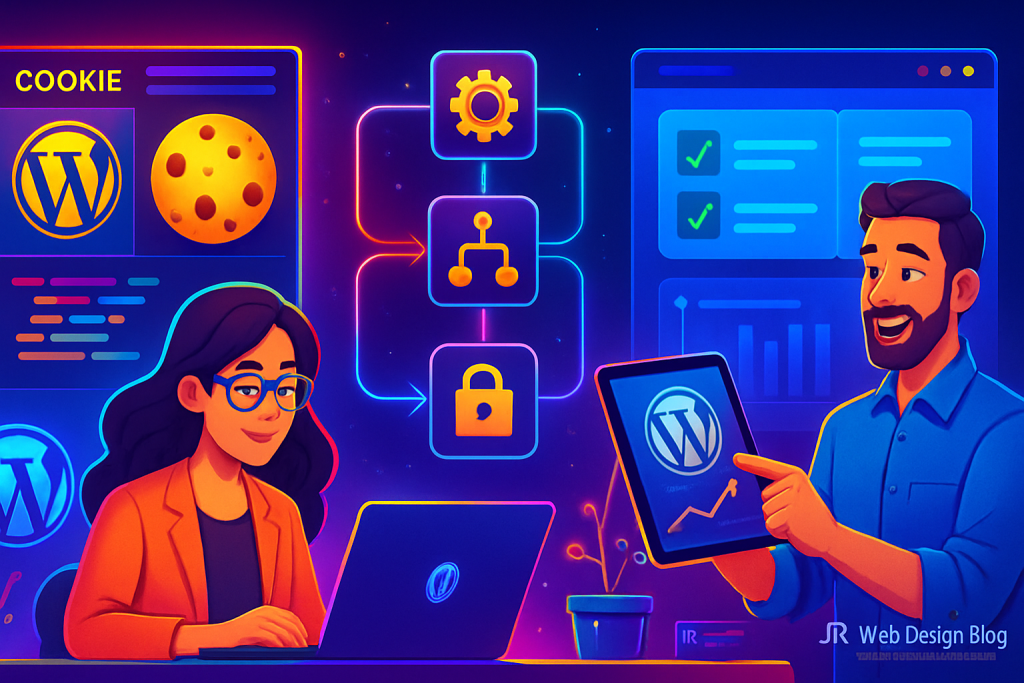
Welcome to Advanced Security
Understanding cookie and session handling is crucial for anyone managing a WordPress website. Let’s dive into how you can enhance your site’s security.
Why Cookies and Sessions Matter
Cookies are small pieces of data stored on the user’s browser. They help websites remember information about users, such as login details or preferences. Sessions, on the other hand, are temporary data stored on the server. They offer a more secure way to manage user data during interactions.
Both cookies and sessions play vital roles in website security. Mismanagement can lead to security vulnerabilities, such as session hijacking or data breaches. Thus, understanding advanced methods for handling them is essential.
Setting Up Cookies Securely
When implementing cookies, consider the following:
- Secure Flag: Always set the Secure flag to ensure cookies are sent only over HTTPS.
- HttpOnly Flag: This prevents client-side scripts from accessing your cookies, adding an extra layer of security.
- SameSite Attribute: Use the SameSite attribute to prevent cross-site request forgery (CSRF) attacks.
To set these attributes, you can use various WordPress plugins that simplify cookie management. Plugins like “CookieYes” or “GDPR Cookie Consent” allow you to configure these settings with ease.
In addition to these plugins, consider custom coding solutions for more nuanced control over cookie behavior. This can be particularly useful for developers looking to implement unique features or comply with specific legal requirements.
Make sure to regularly review your cookie policy in light of changing regulations such as GDPR or CCPA. Keeping your cookie management up-to-date not only enhances security but also ensures compliance with legal standards.
Managing Sessions Effectively
For session management, follow best practices like:
- Session Regeneration: Regenerate session IDs periodically to prevent session fixation attacks.
- Timeouts: Implement session timeouts. This reduces the risk of unauthorized access if a user forgets to log out.
- Server Storage: Store session data on the server to keep it secure from client-side vulnerabilities.
Plugins like “WP Session Manager” can help you manage sessions efficiently. They provide functionalities for session storage, regeneration, and timeouts.
Moreover, consider implementing a user-friendly session expiration notification system. This can alert users when their session is about to expire, offering them the option to stay logged in or log out securely.
Additionally, monitor session activity to identify any suspicious behavior. By analyzing session logs, you can detect unusual patterns that may indicate security threats, enabling you to take proactive measures.
Performance Considerations
While security is paramount, performance should not be compromised. Here are some tips to ensure that your cookie and session management does not slow down your site:
- Minimise Cookie Size: Keep your cookies as small as possible to reduce load times.
- Cache Strategy: Implement caching strategies that respect session data to maintain fast loading speeds.
- Regular Clean-up: Regularly clean up old sessions or cookies that are no longer needed.
Balancing security and performance is key. Regular testing and optimisation will keep your site running smoothly. Consider using performance monitoring tools to track the impact of cookie and session management on your site’s speed.
Incorporate lazy loading techniques for non-essential resources so that your primary content loads faster, enhancing user experience while maintaining robust security measures.
Security Best Practices
Implementing cookies and sessions securely requires ongoing vigilance. Here are a few best practices:
- Use HTTPS: Always secure your website with HTTPS to encrypt data in transit.
- Monitor for Vulnerabilities: Regularly scan your site for potential vulnerabilities and apply patches as needed.
- User Education: Educate your users about the importance of logging out especially on public devices.
Utilising security plugins such as “Wordfence” or “Sucuri” can help you monitor and enhance your website’s overall security. Additionally, consider implementing a Web Application Firewall (WAF) to provide an extra layer of protection against various attacks.
Establish a regular backup schedule for your WordPress site. This ensures that you can quickly recover from any data breaches or security incidents, thereby minimizing potential damage.
Modern WordPress Design Angle
As web design evolves, integrating advanced cookie and session handling into a modern WordPress design becomes essential. This means not only focusing on aesthetics but also ensuring seamless functionality and security.
Modern themes often come with built-in support for cookies and sessions, allowing for smoother user experiences. Many themes are compatible with plugins that automatically manage cookie consent and session data without compromising design elements.
Additionally, responsive design ensures that cookie and session management tools work well across devices. A responsive site adapts its session handling to ensure that users have secure access, regardless of whether they are using a desktop or a mobile device.
Choosing a theme designed for modern web standards can simplify the integration of advanced cookie and session techniques, enhancing both security and user experience. Furthermore, consider the importance of accessibility in your design. Ensuring that cookie consent banners and session management interfaces are accessible to all users, including those with disabilities, not only improves user experience but also adheres to legal standards.
Additionally, many modern WordPress themes support customization options that allow you to fine-tune how cookies and sessions are handled visually. This can help maintain brand consistency while ensuring high levels of security.
For instance, you can select themes that allow for easy integration with third-party cookie management solutions, making it simpler to comply with global regulations.
Final Thoughts
Advanced cookie and session handling are not just technical necessities; they are crucial for building trust with your users. By implementing secure practices and leveraging the right plugins, you can create a robust online presence.
Always stay updated with the latest web security trends and maintain a proactive approach to managing your WordPress site. This will lead to a more secure, user-friendly experience that encourages repeat visits and builds customer loyalty.
In conclusion, as you navigate the complexities of WordPress security, always remember that your website is an extension of your brand. Prioritize both security and usability to foster a reliable online environment for your users. With the right strategies and tools in place, you can ensure that your website remains secure while providing an engaging experience for your visitors. Regularly reviewing and updating your practices will set your site apart in an increasingly competitive digital landscape.
Related posts
- Website Migration Planning Without Losing Rankings | A Practical Guide for WordPress Users and Small Businesses
- Advanced Grid Layouts for Editorial Website Design: Enhance UX and Boost Engagement with Modern WordPress Themes
- Technical Planning for Membership and Gated-Content Websites: A Practical Guide to WordPress Success