
WordPress Article
Maintenance Mode Plugins for WordPress Site Updates
Learn maintenance mode plugins for WordPress site updates with practical advice on setup, performance, SEO, and a small modern WordPress design angle for better results.
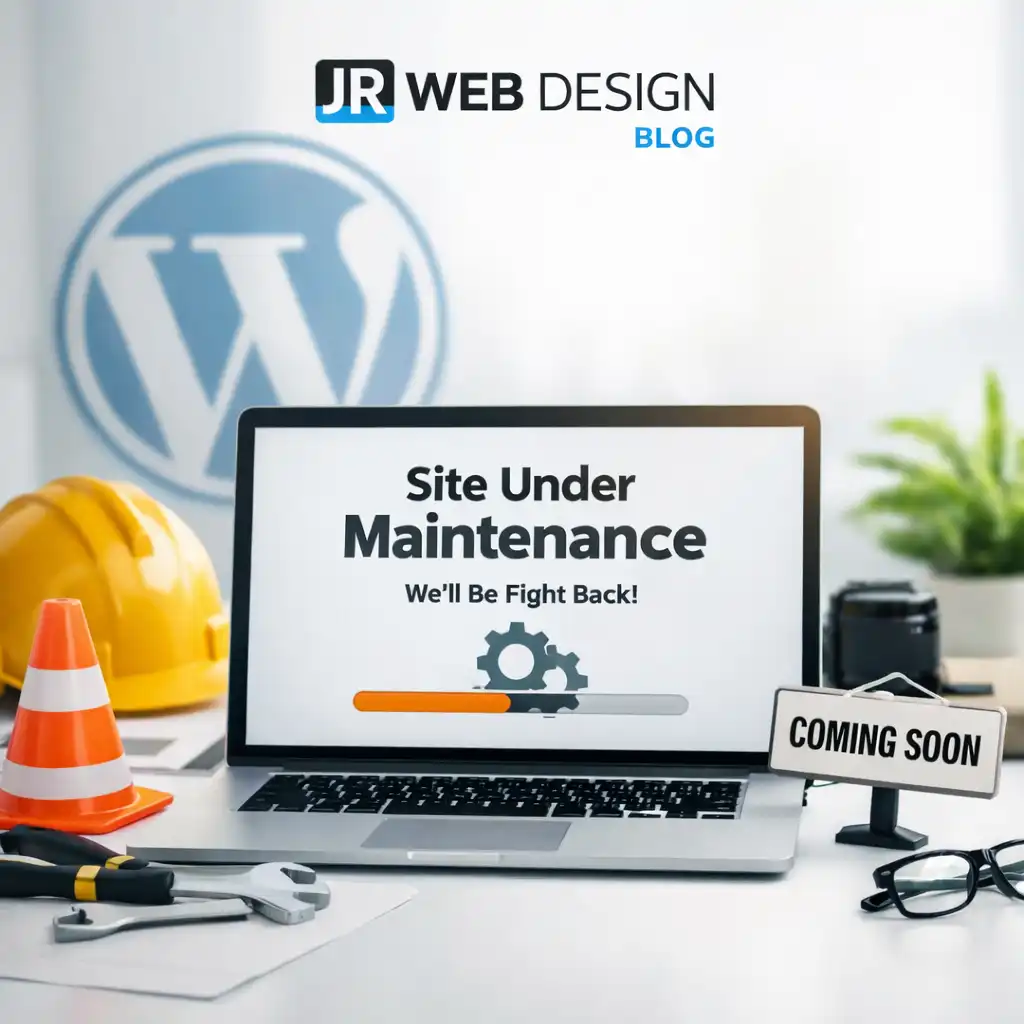
Welcome to Your Guide
Understanding maintenance mode plugins can make your WordPress site updates seamless and hassle-free.
What Are Maintenance Mode Plugins?
When running a WordPress site, you may need to perform updates, install new themes, or make critical changes. During these times, you don’t want visitors to see a broken or partially completed site. Maintenance mode plugins can help by displaying a temporary message or landing page while you’re working behind the scenes. They act as a digital doorman, ensuring that only those you want to see your site can access it, while others are informed that you are making improvements. This feature is not just about hiding your site; it’s also about enhancing user experience by managing their expectations.
Why Use Maintenance Mode?
Using maintenance mode not only keeps your site looking professional but also helps in retaining user trust. If visitors stumble upon a broken site, they may leave, thinking it lacks care or reliability. By employing a maintenance mode plugin, you ensure that your visitors are greeted with a friendly message instead. Moreover, it allows you to communicate important updates or changes, such as new features or upcoming events, which can keep your audience engaged even when they can’t access the full site. This proactive communication can foster a sense of community and anticipation among your users, making them more likely to return.
Choosing the Right Plugin
There are numerous maintenance mode plugins available, but choosing the right one can be tricky. You need to consider factors like ease of use, customization options, and whether it fits within your budget. Some plugins offer free versions with basic features, while others come with premium options that include advanced settings. It’s essential to read user reviews and check the plugin’s update history to ensure it is actively maintained. This will give you confidence that the plugin will function well with future WordPress updates. Additionally, consider the level of support provided by the plugin developers, as timely assistance can be invaluable during critical updates.
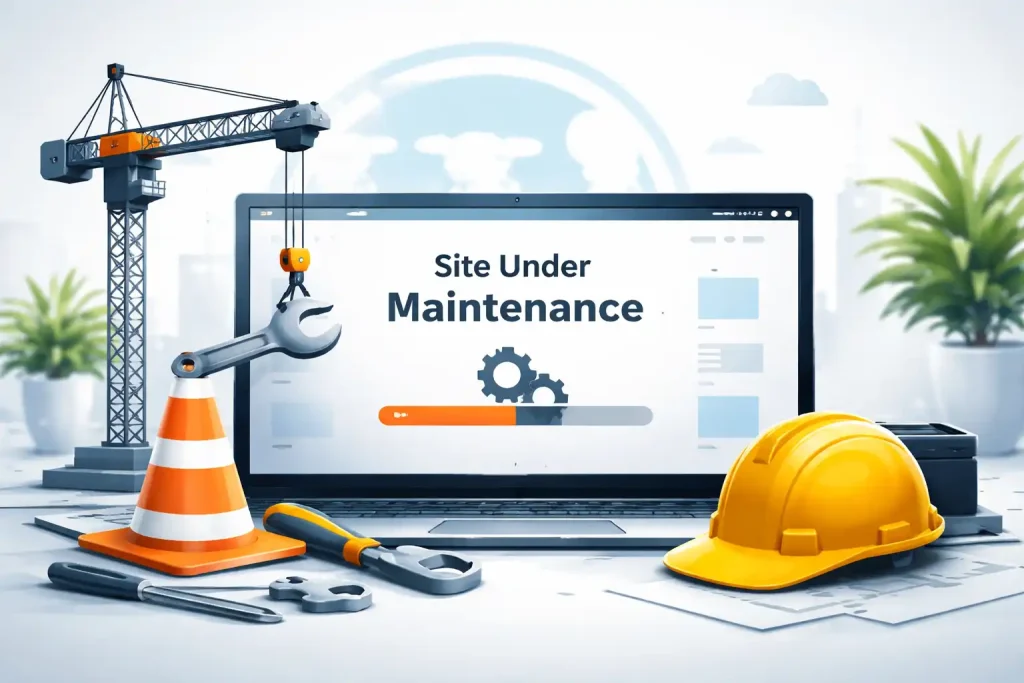
Among the popular options are WP Maintenance Mode and SeedProd. WP Maintenance Mode is user-friendly and offers a variety of templates that can be easily customized. SeedProd takes it a step further with drag-and-drop features, allowing you to build a complete landing page while your site is in maintenance mode. Additionally, other plugins like Maintenance and Coming Soon Page & Maintenance Mode by SeedProd also offer robust features, making it easier than ever to find one that fits your specific needs. Each of these plugins has unique strengths, so it’s worth exploring their features to determine which aligns best with your requirements.
Setting Up Your Maintenance Mode Plugin
Once you’ve chosen a plugin, the setup is usually straightforward. After installation, you can access the settings from your WordPress dashboard. Most plugins will allow you to configure the following: custom messages to display to users, visual elements like background images and logos, social media links, so visitors can stay connected, and SEO settings that help you retain rankings even when your site is offline. Make sure to test the settings before officially going live. This ensures that everything looks as intended. Some plugins even allow you to preview how the maintenance page will appear, giving you peace of mind that your brand image is maintained. Take time to personalize your message and visuals to align with your brand’s voice, as this can reinforce your identity even during downtime.
Performance Considerations
While in maintenance mode, it’s crucial to ensure your site remains performant. A sluggish site can turn away potential customers or clients. Choose plugins that are lightweight and won’t add unnecessary bloat to your site. It’s also advisable to monitor your site’s speed before and after activation to ensure everything is running smoothly. Utilizing tools like Google PageSpeed Insights can provide valuable feedback on your site’s performance, allowing you to make necessary adjustments. The faster your site operates, even in maintenance mode, the less likely visitors will experience frustration, ensuring they remain engaged with your brand.
Security During Maintenance
Security is a paramount concern when updating your WordPress site. Some maintenance mode plugins include additional security features to restrict access to only logged-in users. This can be incredibly useful for larger sites where you might have multiple team members making updates. Additionally, consider implementing two-factor authentication for team members during this time. This extra layer of security can help prevent unauthorized access while you’re making changes. Always keep your plugins updated to the latest versions to mitigate potential vulnerabilities that could be exploited during maintenance periods.
SEO Considerations
Don’t overlook SEO while your site is in maintenance mode. Choose a plugin that allows you to add meta tags or robots.txt settings. This ensures that search engines understand your site is temporarily offline and that it will return shortly. You can also set up a custom 503 status code, which tells search engines that your site is down for maintenance and not permanently gone. By managing your SEO effectively, you can minimize the impact of downtime on your search rankings, helping to preserve your site’s visibility post-maintenance. Furthermore, consider updating your sitemap and informing search engines when your site is back online, as this can expedite the crawling process.
Modern WordPress Design Angle
In today’s digital landscape, web design plays a critical role in user experience. When your site is in maintenance mode, the design should reflect your brand while still being functional. Opt for clean, modern designs that are both visually appealing and easy to navigate. Using a maintenance mode plugin that offers customizable templates lets you maintain brand consistency even when your site is under construction. Remember to choose design elements that are responsive and look good on both desktop and mobile devices, as many users will access your site through various platforms. This attention to design not only keeps your visual identity intact but can also enhance user engagement by providing a seamless experience even during downtime. Incorporating elements like countdown timers or sneak peeks of upcoming features can also build excitement and keep users interested.
Post-Maintenance Tasks
Once your updates are complete, it’s time to deactivate maintenance mode. Ensure that everything is functioning as expected and perform a thorough check of your pages. It’s always wise to keep an eye on your analytics after re-launching to see how well visitors are responding. If you notice a drop in traffic, you may want to investigate further. Additionally, consider sending out a newsletter or update to your subscribers, informing them of the changes and inviting them back to explore your site. This proactive approach can help you regain any lost traffic and keep your audience engaged. Also, solicit feedback from your users about their experience during the maintenance period, as this can provide valuable insights for future updates.
Conclusion
Using maintenance mode plugins for your WordPress site updates is a wise decision that keeps both your site and your visitors in mind. With the right plugin, you can ensure a smooth transition during updates, maintain your site’s performance, and keep your SEO intact. Whether you’re a small business owner, a tradie, or just getting started with WordPress, understanding these tools is crucial for effective website management. By investing time in selecting and setting up your maintenance mode plugin, you can enhance your site’s professionalism and user trust, ultimately contributing to long-term success. A well-executed maintenance mode can turn a potentially frustrating experience into an opportunity for engagement and anticipation, setting the stage for a successful site re-launch.