
WordPress Article
Multi-Step Form UX For Quote And Booking Websites: Boost Your Conversions with Practical Design Strategies
A practical guide to multi-step form UX for quote and booking websites, including UX, accessibility, speed, conversion, and modern website design decisions for better results.
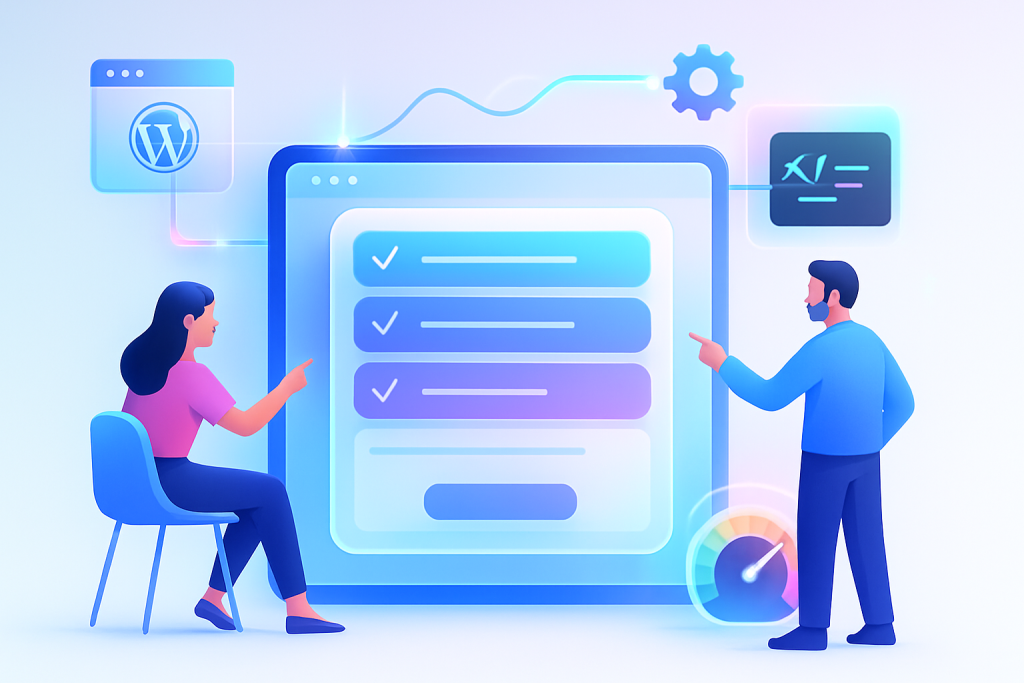
Multi-Step Form UX For Quote And Booking Websites
When it comes to gathering information for quotes and bookings, multi-step forms are a powerful tool. They simplify the user experience, guide users through the process, and ultimately increase conversion rates. In this guide, we’ll explore the ins and outs of multi-step form UX specifically tailored for quote and booking websites.
Why Multi-Step Forms?
Multi-step forms break down information collection into manageable, bite-sized sections. This approach reduces overwhelm, encourages completion, and enhances user satisfaction. Here’s why they are beneficial:
- Improved user engagement
- Reduced form abandonment
- Higher quality data collection
Creating User-Friendly Multi-Step Forms
To design effective multi-step forms, focus on the following elements:
1. Clarity and Simplicity
Your forms should be easy to understand. Use clear language and concise questions. Avoid jargon and keep the content straightforward. Each step should only ask for essential information relevant to the quote or booking.
2. Progress Indicators
Let users know where they are in the process. A progress bar or step indicator helps users understand how much they’ve completed and how much is left. This visibility can motivate users to finish the form.
3. Mobile Responsiveness
With more people using mobile devices, ensure your forms are mobile-friendly. Responsive design will adapt forms to different screen sizes, making it easier for users to complete them on the go.
Accessibility Matters
Accessibility shouldn’t be an afterthought. Ensure that your multi-step forms are usable for everyone, including individuals with disabilities. Use appropriate labels, keyboard navigation, and alternative text for images. This not only helps users but also improves your SEO.
Modern WordPress Design Angle
When implementing multi-step forms on your WordPress site, consider leveraging modern themes and plugins that enhance user experience. Various WordPress themes are designed with multi-step forms in mind, offering built-in styling and responsive layouts.
Plugins like WPForms and Gravity Forms allow you to create custom multi-step forms easily. They provide drag-and-drop functionality, making it straightforward for even non-tech-savvy users to build effective forms. Furthermore, these plugins often come with pre-built templates that can save time and ensure a professional appearance.
Choose themes that prioritise speed and performance, as these factors can significantly impact conversion rates. A fast-loading site will keep users engaged, reducing bounce rates. Also, select a theme that supports mobile optimisation to ensure your forms display well on various devices.
Additionally, consider themes that offer customisation options for colours and fonts to align with your brand identity. A cohesive design not only enhances user experience but also builds trust in your brand.
Moreover, it’s essential to keep your WordPress core, themes, and plugins updated. Regular updates ensure that your site remains secure, functional, and compatible with the latest features, which can enhance the performance of your multi-step forms.
Strategies for Optimising Conversion Rates
To maximise conversions, consider these strategies:
1. Offer Incentives
Encourage users to complete the form by offering incentives, such as discounts or free consultations. This can motivate users to provide their information and can significantly enhance conversion rates.
2. Personalise the Experience
Use conditional logic to tailor the form experience based on user input. This personalisation can make users feel valued and improve the relevance of the information you collect. For example, if a user selects a specific service, you can show additional questions related to that service, keeping the form relevant and engaging.
3. A/B Testing
Experiment with different layouts, wording, and incentives. A/B testing can provide insights into what resonates with your target audience, allowing you to optimise your forms continually. Consider testing elements like button colours, call-to-action phrases, and even the order of questions to find the most effective combination.
4. Use Analytics
Utilise analytics tools to monitor form performance. By tracking metrics such as completion rates and drop-off points, you can identify where users are losing interest and make necessary adjustments. This data-driven approach will help you refine your forms over time.
Common Mistakes to Avoid
Even the best-designed forms can fail if common pitfalls are not avoided:
1. Overloading Users
Don’t ask for too much information upfront. Focus on what’s necessary for the initial steps and allow users to provide more details later. This approach helps reduce cognitive load and encourages users to proceed through the form.
2. Poor Error Handling
Make sure error messages are clear and actionable. If users encounter an error, they should know exactly what to fix to continue. Implement inline validation to catch errors in real-time, improving the overall experience.
3. Lack of Trust Signals
Incorporate trust signals, such as privacy policies and testimonials, to reassure users that their information is safe. This is particularly important in quote and booking scenarios. Displaying security badges and offering clear privacy assurances can significantly enhance user trust.
Conclusion
Implementing multi-step form UX for your quote and booking website can significantly enhance user experience and boost conversion rates. By focusing on clarity, accessibility, and modern design principles, you can create forms that not only gather information effectively but also build trust and satisfaction among your users. Remember to continually optimise your forms based on user feedback and testing to ensure they remain effective and user-friendly. Additionally, keeping abreast of design trends and user expectations will help you maintain a competitive edge in the evolving landscape of online bookings and quotes. As technology continues to advance, staying informed about new tools and methodologies will allow your site to adapt seamlessly to changing user needs.