
WordPress Article
Modern Card Layouts In WordPress Websites, For Beginners And Small Businesses
A practical guide to modern card layouts in WordPress websites, including real WordPress theme advice, usability, speed, and a focused modern design section.
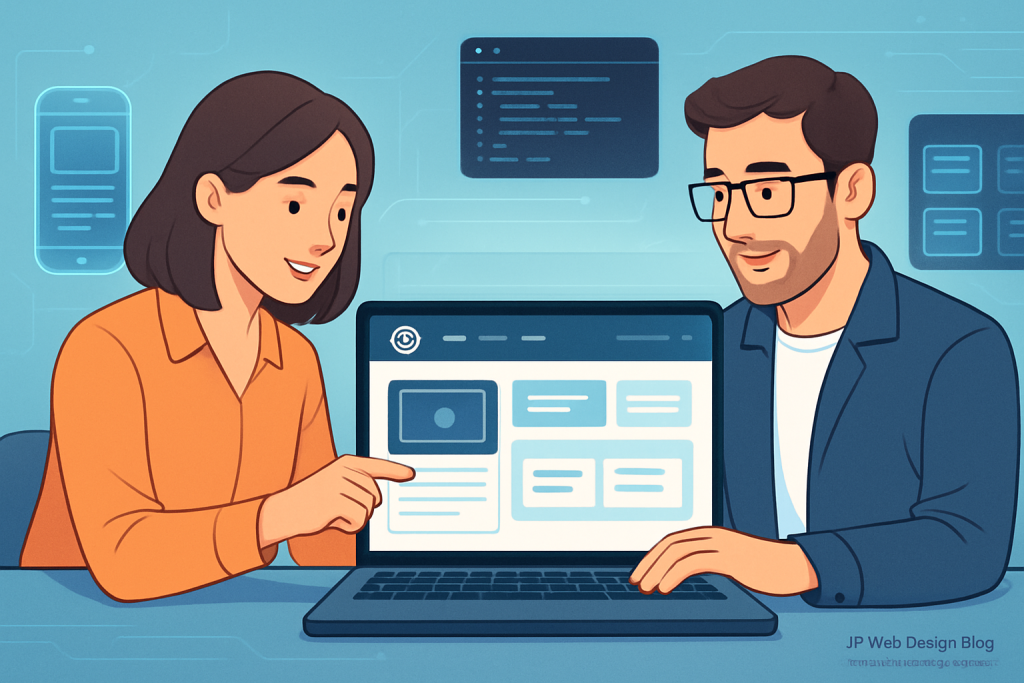
Modern Card Layouts In WordPress Websites
Introduction
As businesses increasingly go online, having a visually appealing and functional website is crucial. One of the standout trends today is the use of modern card layouts in WordPress. These layouts not only enhance user experience but also improve the overall aesthetic of your site. In this practical guide, we explore the benefits of card layouts, how to implement them with WordPress themes, and tips for ensuring your site remains user-friendly and fast.
What Are Modern Card Layouts?
Card layouts are a design approach that presents information in a modular format. Each card serves as an individual unit, displaying content such as images, text, or links. This format is popular for its versatility and ability to organise vast amounts of information succinctly. Think of social media feeds, online portfolios, or product showcases—all make effective use of card layouts.
Why Choose Card Layouts for Your WordPress Site?
Here are some compelling reasons to consider card layouts:
- Visual Appeal: Cards are eye-catching and can make your website look modern.
- User-Friendly: Information is easier to digest when presented in bite-sized portions.
- Responsive Design: Cards adapt well to different screen sizes, making them ideal for mobile users.
- Easy Navigation: Users can quickly skim through content, enhancing the overall experience.
Implementing Card Layouts in WordPress
Getting started with card layouts on your WordPress website can be straightforward. Here are the steps you should follow:
1. Choosing the Right Theme
Select a WordPress theme that supports card layouts. Themes like Astra, OceanWP, and Divi offer flexible design options. Look for themes with built-in card layouts or those that allow easy customisation. Additionally, consider themes that are regularly updated to ensure compatibility with the latest WordPress versions.
2. Utilising Page Builders
Page builders such as Elementor or Beaver Builder make it simple to create card layouts. These tools offer drag-and-drop functionality, allowing you to design without coding. You can build your cards by adding elements like images, headings, and links in a grid format. Experiment with different layouts to see what resonates best with your audience.
3. Plugins for Enhanced Functionality
Plugins can further enhance card layouts on your site. Consider using:
- WPBakery: Adds additional card styles and layouts.
- Grid Plus: Creates stunning grid layouts with various customisation options.
- Essential Grid: Offers advanced grid options and styles.
Modern WordPress Design Angle
To maximise the potential of card layouts, it’s essential to align with modern WordPress design principles. Keep these practices in mind:
- Minimalism: A clean design with ample white space can make cards stand out.
- Consistent Visuals: Use a uniform style for card elements—similar colours, fonts, and image sizes—for a cohesive look.
- Accessibility: Ensure your cards are easy to read, with contrasting colours and alt text for images.
By adhering to these modern design principles, you can enhance not only the card layouts but also the overall user experience of your site. Additionally, consider the importance of responsive design, ensuring that your cards look great on both desktop and mobile devices.
Optimising Card Layouts for Speed and Usability
While card layouts are excellent for presenting information, they can impact your site’s loading speed if not managed properly. Here are some tips to ensure your site remains fast:
1. Image Optimisation
Large images can slow down page loading times. Use image compression tools like Smush or ShortPixel to reduce file sizes without sacrificing quality. Additionally, consider using next-gen formats like WebP for faster loading times.
2. Limit Card Elements
Avoid overcrowding your cards. Keep the information concise and relevant. Too much text or too many images can overwhelm users and slow down your site. A focused approach enhances readability and keeps visitors engaged.
3. Use Caching Plugins
Caching plugins such as W3 Total Cache or WP Super Cache can significantly speed up your site by storing static versions of your pages. This reduces the load on your server and ensures quicker access for users.
Building Trust with Modern Card Designs
Trust is essential for online success. Modern card layouts can help build trust through visual consistency and clarity. Here’s how:
- Professional Aesthetics: A visually appealing site encourages visitors to trust your brand.
- Clear Call-to-Actions: Use cards to guide users towards actions you want them to take, like signing up or making a purchase.
- Social Proof: Include testimonials or ratings within your card layouts to demonstrate credibility.
Moreover, consider incorporating elements like badges or certifications within your card designs to further strengthen credibility. This visual affirmation can significantly impact user trust.
Additional Considerations for Card Layouts
While implementing card layouts, it’s essential to consider the following additional factors:
1. Content Strategy
Develop a clear content strategy that aligns with the card layout. Ensure each card delivers value and resonates with your target audience. Content should be engaging and relevant, prompting users to explore further.
2. A/B Testing
Conduct A/B testing on different card designs to determine which format leads to better user engagement and conversions. Experiment with various headlines, images, and calls-to-action to find the most effective combination.
3. Analytics and Feedback
Utilise analytics tools to track user interaction with your card layouts. Gather feedback from users to identify areas for improvement. Understanding how visitors engage with your site can provide insights into optimising your card designs.
Conclusion
Modern card layouts offer numerous benefits for WordPress websites, particularly for beginners and small business owners. By implementing these designs, you can enhance visual appeal, improve usability, and ultimately build trust with your audience. As you embark on this journey, remember to keep user experience at the forefront of your design choices. With the right tools and principles in place, your WordPress site can stand out in a competitive online landscape. Continuous testing and optimisation will help you refine your card layouts, ensuring they meet the evolving needs of your users.