
WordPress Article
Image Optimisation Plugins for WordPress Performance
Learn image optimisation plugins for WordPress performance with practical advice on setup, performance, SEO, and a small modern WordPress design angle for better results.
Image Optimisation Plugins for WordPress Performance
In today’s digital landscape, having a fast and efficient website is crucial. For many small business owners and tradies, optimising images can make a significant difference in site speed, user experience, and even SEO rankings. This article will guide you through the best image optimisation plugins for WordPress, equipping you with practical advice on setup, performance, and how to integrate these tools into your modern web design.

Why Image Optimisation Matters
Images are often the largest files on your website, and if they aren’t optimised, they can slow down your site. Slower sites lead to higher bounce rates, meaning potential customers may leave before they even see what you offer. Furthermore, search engines like Google consider site speed when ranking pages. This means that if your images are slowing your site down, your SEO could be negatively impacted.
Optimising images means reducing their file size without sacrificing quality, which can significantly enhance your website’s performance. This is where image optimisation plugins come into play. They streamline the process, allowing you to focus on content creation while ensuring that your visuals enhance rather than hinder your website.
Choosing the Right Image Optimisation Plugin
With a myriad of plugins available, choosing the right one can be overwhelming. Focus on plugins that offer a user-friendly interface, are well-supported, and provide features such as bulk optimisation, automatic resizing, and compatibility with various image formats. Each plugin comes with its unique set of features, so it’s essential to evaluate what best aligns with your specific needs.
Some plugins also allow you to convert images to the WebP format, which is a modern image format that provides superior compression. This can further enhance your website’s load speed, making it a valuable feature if you want to ensure your site runs smoothly across all devices.
Image Optimisation Statistics
This chart highlights why image optimisation matters. Images still carry the biggest byte load on modern pages, so compression, resizing, modern formats, and lazy loading can make a real difference.
Top Image Optimisation Plugins
Here are some of the most popular image optimisation plugins for WordPress that cater specifically to beginners and small businesses:
1. **Smush**: This plugin is known for its simplicity. It automatically compresses images as you upload them and offers bulk optimisation options for existing images. Smush also provides lazy loading, which means images are only loaded when they appear in the user’s viewport, enhancing the overall speed of your website.
2. **ShortPixel**: A robust option that compresses images and PDFs. It allows you to convert images to WebP format, and offers a straightforward dashboard for tracking your optimisation efforts. ShortPixel is particularly useful for those who deal with large volumes of images, as it streamlines the entire process.
3. **Imagify**: This plugin offers three levels of compression, allowing users to choose between lossy, lossless, or ultra compression. Imagify is also user-friendly, making it suitable for beginners. The flexibility in compression levels helps maintain the balance between quality and performance.
4. **EWWW Image Optimizer**: This plugin automatically optimises images as you upload them and can also optimise images already in your media library. It provides a complete toolkit for image management, allowing for both manual and automatic adjustments based on your specific requirements.
Setting Up Your Chosen Plugin
Setting up an image optimisation plugin is generally straightforward. After installing your preferred plugin, you’ll want to configure the settings according to your needs. Most plugins will allow you to choose your compression level, and whether to convert images to WebP format. This flexibility is vital for tailoring the plugin’s features to suit your website’s unique demands.
For plugins like Smush, you’ll simply need to activate it, and it will begin optimising your images automatically. For others like ShortPixel or Imagify, you will need to create an account and obtain an API key. This may seem daunting, but most plugins provide clear instructions to guide you through the process. The initial setup is crucial, as it lays the foundation for ongoing optimisation and performance enhancements.
Performance Monitoring
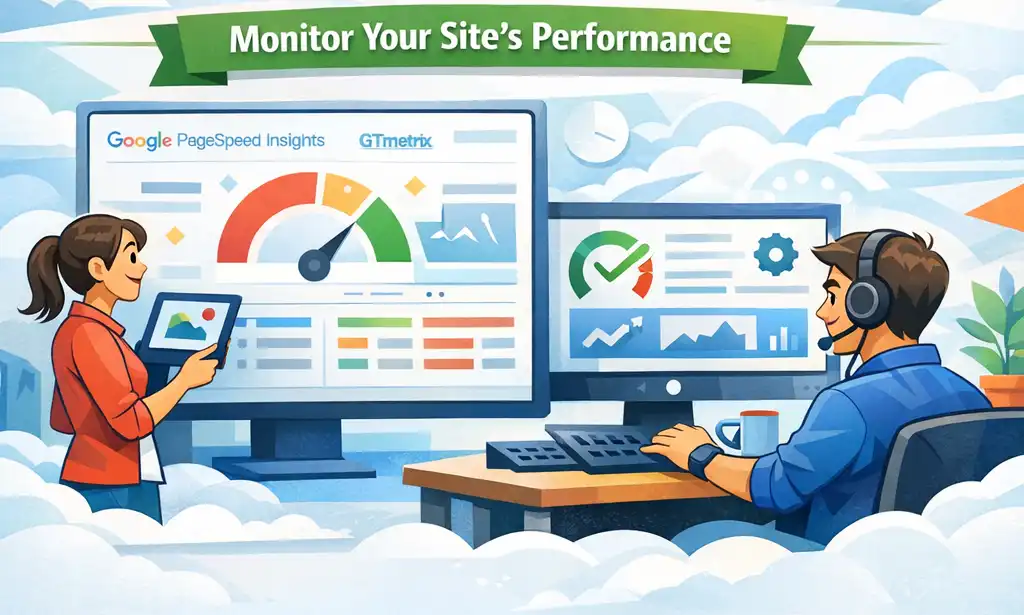
Once you have your image optimisation plugin set up, it’s essential to monitor your website’s performance. You can use tools like Google PageSpeed Insights or GTmetrix to evaluate your site’s speed before and after using the plugin. Regular checks will help you understand the impact of optimising images on your overall website performance. It’s not just about the numbers; understanding how these changes affect user engagement can inform future decisions regarding content and design.
Modern WordPress Design Angle
Incorporating image optimisation into your modern WordPress design is not just about performance; it’s also about aesthetics and user experience. A well-designed website should load quickly while presenting high-quality visuals. When images are optimised, they not only enhance load times but can also fit the design framework you’re aiming for. This seamless integration of speed and beauty is essential in today’s competitive online landscape.
Consider using a theme that supports responsive design. This means images will automatically adjust to different screen sizes, providing an optimal viewing experience across devices. Additionally, modern design often involves a minimalist approach that relies on high-quality images rather than excessive graphics. By ensuring your images are optimised, you retain their quality while adhering to a clean design ethos. This dual focus on aesthetics and functionality can significantly improve user engagement and retention.
Moreover, a well-optimised image strategy can help in creating visually appealing galleries or sliders that do not compromise on performance. Using the right plugin can enhance your site’s aesthetics without slowing it down. This balance is key to maintaining a professional appearance while ensuring that your site is efficient and user-friendly.
Best Practices for Image Optimisation
To get the most out of your image optimisation efforts, consider these best practices: Understanding when to use JPEG, PNG, or WebP can drastically affect image quality and file size. Each format has its strengths, and knowing when to use each can enhance your site’s overall performance. Resizing images is another critical step; ensure that images are not larger than necessary for their display size on your website. Uploading oversized images can lead to unnecessary load times, which can frustrate users.
Adopting consistent naming conventions for your images is also essential. Use descriptive file names that reflect the content of the image. This can contribute to better SEO, making your images easier to find in search engines. Regular updates to your plugin are vital for ensuring you’re benefiting from the latest features and security enhancements. Keeping your tools up-to-date safeguards your website against vulnerabilities and enhances its functionality.
Conclusion
In conclusion, optimising images for your WordPress site is essential for improving performance, enhancing user experience, and boosting SEO. By choosing and properly setting up an effective image optimisation plugin, you can ensure your website remains competitive in today’s fast-paced digital world. Remember to integrate these practices into your overall modern WordPress design strategy for the best results. The combination of speed, quality, and user experience will position your site favorably in the eyes of both visitors and search engines alike.