
WordPress Article
Creating Consistent Icon Systems for Websites: A Practical Guide for Small Businesses and Tradies
A practical guide to creating consistent icon systems for websites, including UX, accessibility, speed, conversion, and modern website design decisions for better results.
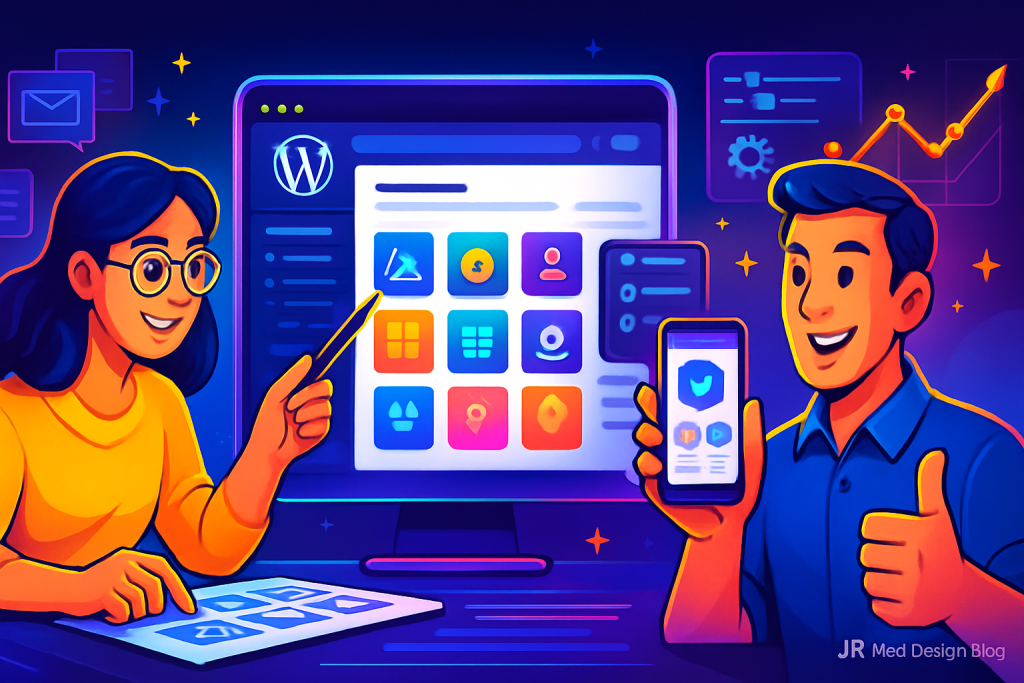
Creating Consistent Icon Systems for Websites
A practical guide to creating consistent icon systems for websites, enhancing UX and conversions.
Introduction
When it comes to web design, icons play a crucial role. They provide visual cues that guide users through your site. A consistent icon system not only enhances usability but also builds trust with your audience. This guide aims to provide practical steps for small businesses and tradies to create an effective icon system that aligns with their branding and improves user experience.
What is an Icon System?
An icon system refers to a set of icons that are designed with a unified style. This includes their size, colour, and overall aesthetic. When icons are consistent across your website, users can easily recognise and interpret them, improving their overall experience. Icons can also serve as a visual shorthand for complex concepts, making your content more accessible.
Why Consistency Matters
Consistency in design is key for several reasons:
- It enhances user experience by making navigation intuitive.
- It builds brand recognition as familiar icons reinforce your visual identity.
- It improves accessibility, ensuring all users understand your site’s functions.
Creating Your Icon System
Creating a consistent icon system involves several steps:
1. Define Your Purpose
Start by identifying the purpose of your icons. Are they for navigation, actions, or information? Knowing their role helps in designing relevant icons. For instance, navigation icons should be easily identifiable, while informational icons can be more stylized.
2. Choose a Style
Decide on a style that aligns with your brand’s personality. Whether it’s flat, outlined, or 3D, ensure that all icons share the same design language. This consistency not only looks professional but also reinforces your brand identity.
3. Set a Colour Palette
Choose a colour palette that complements your website’s theme. Use a limited palette to maintain cohesion across various icons. This can help in establishing emotional connections with users, as colours can evoke specific feelings and responses.
4. Standardise Sizes and Spacing
Establish standard sizes for your icons to ensure they fit well together. Additionally, determine spacing rules to maintain uniformity. Proper spacing can prevent visual clutter, making your website more aesthetically pleasing.
Modern WordPress Design Angle
In the realm of modern WordPress design, a consistent icon system is critical. WordPress themes often come with built-in icon libraries, making it easier to maintain consistency. However, custom icons can elevate your site’s uniqueness. You can utilize plugins like Font Awesome or Iconify to effortlessly integrate a broad range of icons into your website, all while maintaining your brand’s style.
Moreover, modern WordPress themes often support custom CSS, enabling you to adjust icon size, colour, and spacing even further. This flexibility helps ensure that your icon system remains consistent across various devices, enhancing mobile design and user experience. As mobile traffic continues to rise, optimizing your icons for different screen sizes becomes essential.
Testing Your Icon System
Once your icon system is in place, testing is crucial. Gather feedback from real users to understand how well your icons communicate their intended message. Consider A/B testing different designs to see which performs better. This data-driven approach can provide insights into user preferences, allowing you to refine your designs effectively.
Accessibility Considerations
Accessibility is a vital aspect of web design. Ensure that your icons are easily identifiable by using high-contrast colours. Additionally, consider adding alt text for screen readers, providing context for each icon. This not only helps visually impaired users but also enhances your site’s SEO, as search engines can better understand your content.
Final Thoughts
Creating a consistent icon system is an investment in your website’s user experience. By following the steps outlined in this guide, you can enhance navigation, boost accessibility, and reinforce your brand identity. Remember, a well-crafted icon system not only pleases the eye but also supports your site’s functionality.
For small businesses, tradies, and service providers, investing time in this aspect of web design is crucial for building trust with your audience. As you continue to maintain and improve your website, keep your icon system front and centre to ensure a cohesive brand experience.
Integrating Icon Systems with Other Design Elements
To further enhance your website’s design, consider how your icon system interacts with other visual elements. For instance, typography plays a significant role in conveying your brand’s voice. Ensure that your icon style complements your font choices. Icons can serve as visual punctuation in your content, guiding users through text-heavy sections. A harmonious blend of icons and typography can create a balanced and engaging layout.
Utilising Plugins for Enhanced Functionality
Beyond just aesthetics, icons can also serve functional purposes. Integrate plugins that enhance your site’s functionality while maintaining your icon system. For instance, contact forms can use icons to signify input fields, improving user understanding. Plugins like WPForms or Contact Form 7 allow you to incorporate icons that align with your design, making the user experience more intuitive. Additionally, social media integration can benefit from a cohesive icon system, ensuring that users can easily recognize and interact with your social links.
Maintaining Your Icon System
As your website evolves, so should your icon system. Regularly review and update your icons to ensure they align with current design trends and your brand’s growth. This will not only keep your site looking fresh but also ensure that it remains relevant to your audience’s expectations. Consider seasonal updates or thematic changes that can enhance user engagement and keep your content dynamic.
Conclusion
In summary, creating a consistent icon system is an essential component of effective web design. By focusing on clarity, accessibility, and integration with other design elements, you can significantly enhance your website’s user experience. The right icons not only beautify your site but also facilitate navigation and communication, ultimately contributing to higher engagement and conversions.
As you embark on this journey, remember to keep your audience’s needs at the forefront of your design decisions. A well-thought-out icon system, combined with a user-friendly layout and engaging content, will help you build a trustworthy online presence. Keep refining your approach, and don’t hesitate to adapt your icon system as your brand evolves.