
Smart Forms and File Uploads Plugin for WordPress
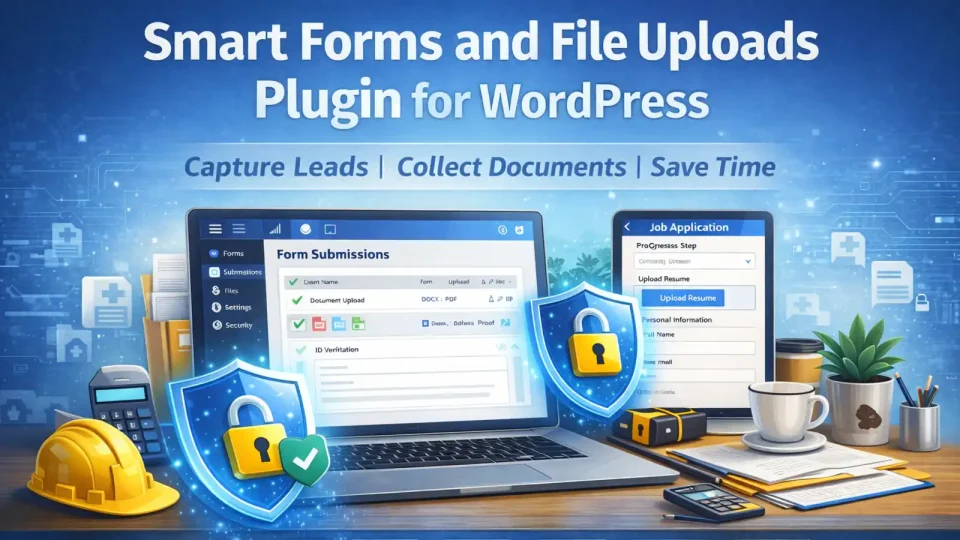
Smart Forms + File Uploads Plugin: A Practical WordPress Tool Businesses Can Use Every Day
Every good business website should do one simple thing well: help people take action. In the old days, a basic contact form was enough. Today, many businesses need more. They need forms that can collect the right information, accept file uploads, reduce back-and-forth emails, and help staff move faster. That is where a Smart Forms + File Uploads Plugin for WordPress becomes a very strong product.
This type of plugin is one of the most saleable tools a business can add to a website because it solves a common problem. Accountants need clients to upload documents. Trades need customers to send photos of a job. Brokers need forms with supporting paperwork. HR teams need applications and ID files. Service businesses need clean enquiries with all the needed details from the start. A smart form system helps gather that information in one place.
Instead of using a plain contact form, a business can offer a polished experience with fields that change based on the user’s answers, clear upload areas, progress steps, required documents, and organised submissions in the WordPress admin area. This makes the website look more professional and saves time for both the customer and the business.
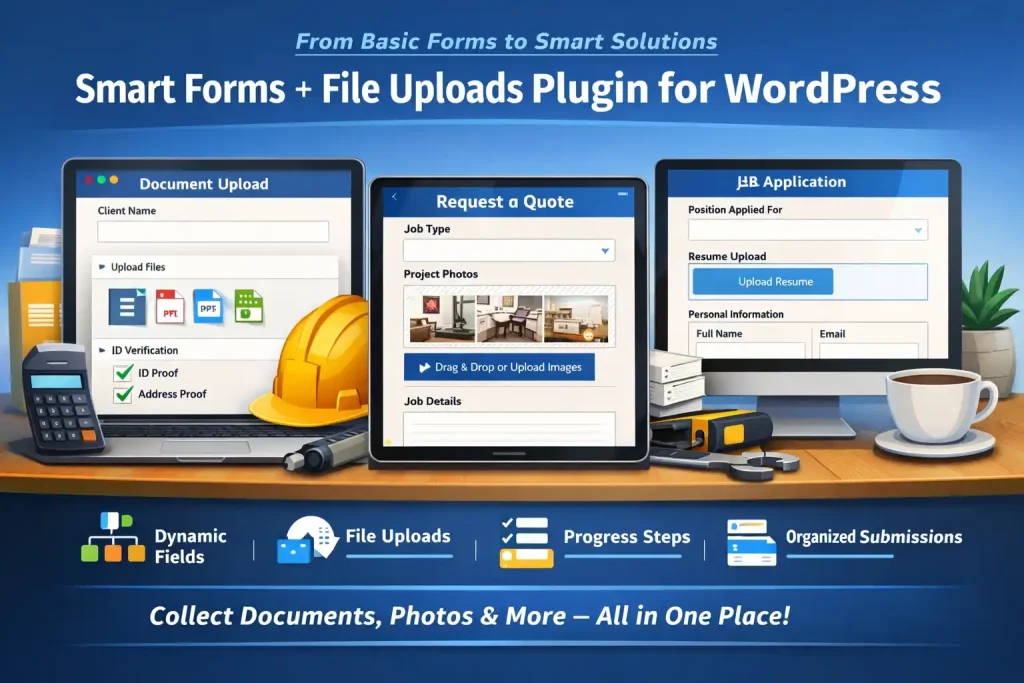
One of the biggest benefits of this plugin is time saving. Many businesses lose hours every week chasing missing details. A customer might send a message, but forget the photo, document, address, or job details. Then the business has to reply and ask for more information. That slows everything down. A smart form solves this by guiding the user properly the first time.
This also improves lead quality. Better forms bring in better enquiries. A builder can ask the type of work, location, budget, and upload site photos. An accountant can request ID, tax records, and supporting files. A freight business can collect pickup details, delivery location, dimensions, and customs paperwork. By the time the business receives the submission, they already have the key information needed to move forward.
From a sales point of view, this plugin is attractive because the value is easy to explain. It is not a vague feature. It gives a clear benefit: less admin, faster enquiries, better customer experience. That is exactly the kind of result businesses understand and are willing to pay for.
Good plugin design also matters. The front end should look modern, simple, and trustworthy. Large fields, clear labels, progress indicators, drag-and-drop upload boxes, and mobile-friendly layouts all make a difference. On the admin side, staff should be able to view submissions, download files, sort entries, and manage everything without confusion. A clean and well-designed admin area helps increase perceived value.

For SEO, this kind of plugin also supports strong service pages and landing pages. Businesses can create targeted forms for different needs, such as quote requests, document collection, job applications, onboarding packs, maintenance requests, or support forms. That helps match the page content to the user’s intent. A page built around a specific service with a matching form can convert much better than a generic contact page.
From a marketing perspective, there are a few best-practice ideas that make this plugin easier to sell. First is the principle of friction reduction. The easier it is for a customer to complete the right action, the more likely they are to do it. Second is clarity. A plugin sells better when the buyer quickly understands the result. Third is perceived professionalism. A business that uses clean digital forms looks more organised and trustworthy than one relying on scattered emails.
This plugin can also be offered in different versions. A basic version could include contact forms, file uploads, and email notifications. A medium version could add multi-step forms, conditional fields, admin management, and PDF summaries. A larger version could include client areas, automated workflows, staff assignment, and CRM connections. That makes it a very flexible product for small and larger businesses alike.
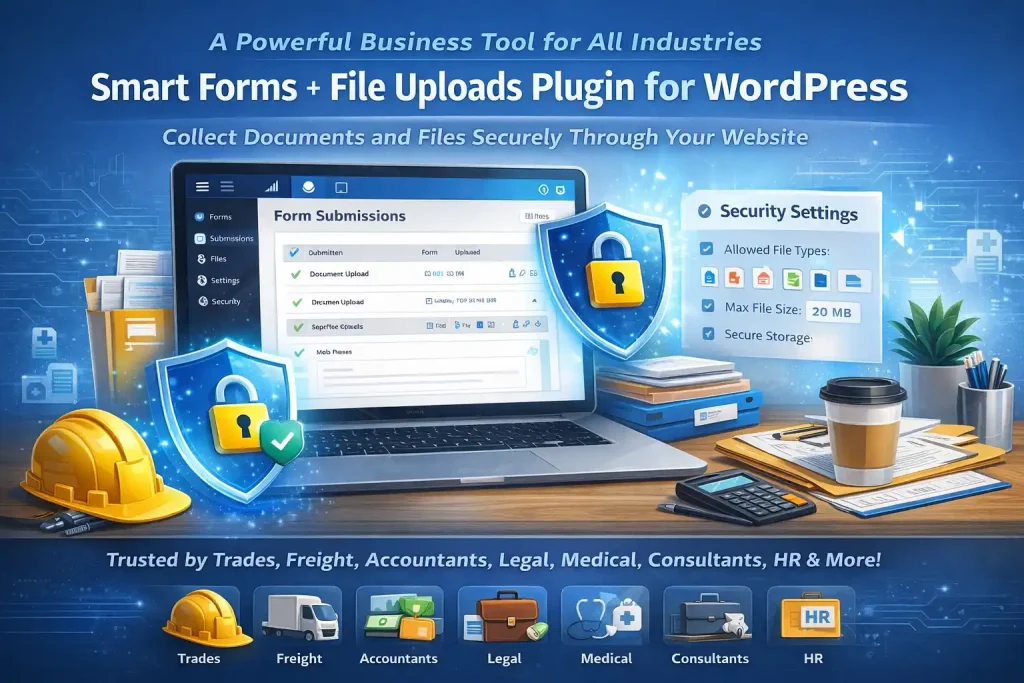
Security is also important. Uploaded files should be handled carefully, with allowed file types, file size limits, clean admin controls, and protected storage where needed. This gives businesses confidence and helps position the plugin as a professional-grade solution rather than just another basic form tool.
In real-world use, this plugin can serve many industries. Trades, freight, legal offices, accountants, medical admin teams, schools, consultants, agencies, and HR firms can all benefit from it. That broad market is one reason it ranks so highly as a product idea. It is practical, useful, and easy to explain.
In the end, the strength of a Smart Forms + File Uploads Plugin for WordPress is simple: it turns a website from a passive brochure into a working business tool. It helps collect better leads, improves client communication, reduces paperwork, and saves valuable time. For many businesses, that means more jobs, less stress, and a more professional online presence. That is why this is one of the best plugin ideas to build and sell.