
WordPress Article
Handling Pagination and Faceted Navigation for SEO: Practical WordPress Tips for Beginners and Small Businesses
Learn handling pagination and faceted navigation for SEO with practical advice on implementation, performance, security, SEO, and scalable website workflows for better results.
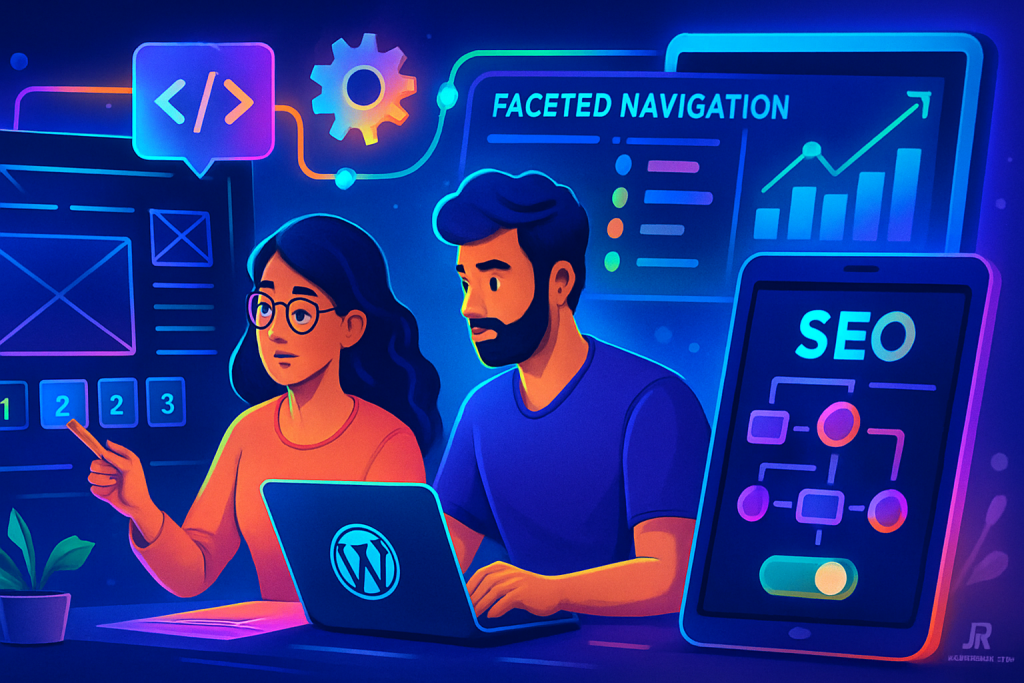
Understanding Pagination and Faceted Navigation
Pagination refers to the division of content across multiple pages, commonly seen in blog posts or product listings. Faceted navigation allows users to filter content using various attributes, enhancing the browsing experience. While both features improve user experience, they can pose challenges for SEO.
Why SEO Matters for Pagination and Faceted Navigation
Search engines aim to deliver high-quality, relevant content to users. If your pagination and faceted navigation are poorly implemented, search engines may struggle to index your pages effectively, leading to lower visibility in search results.
For small businesses and website owners, optimising these elements can significantly enhance your online presence. Let’s dive into practical steps you can take.
Best Practices for Pagination
1. Use Rel=“next” and Rel=“prev” Tags: These tags help search engines understand the relationship between paginated pages, guiding them to index your content better.
2. Limit Pagination Depth: Too many pages can dilute your SEO efforts. Aim for a clear structure that allows users (and search engines) to navigate easily.
3. Implement Canonical URLs: Use canonical tags on paginated pages to point search engines to the main content, reducing duplicate content issues.
Optimising Faceted Navigation for SEO
Faceted navigation allows users to filter products or posts by attributes such as price, colour, or category. While beneficial, it can lead to countless URLs, which may confuse search engines.
1. Block Indexing of Faceted Pages: You can use robots.txt or noindex tags to prevent search engines from indexing certain facets that don’t provide unique content.
2. Use URL Parameters Wisely: Ensure your URL parameters are clean and descriptive, helping search engines understand the content of each page.
WordPress Plugins for Pagination and Faceted Navigation
WordPress offers various plugins to simplify pagination and faceted navigation. Here are some popular options:
– WP Pagination: This plugin provides simple pagination options for your posts and custom post types.
– Facets for Search: This plugin enables you to create faceted searches on your site, allowing users to filter results effectively.
– Yoast SEO: Yoast’s features can help manage canonical URLs and implement noindex tags, crucial for optimising pagination and faceted navigation.
– WP Faceted Search: This plugin enhances user experience by providing advanced filtering options, making it easier to find specific content.
– Pagination by BestWebSoft: A user-friendly plugin that allows you to add pagination to your posts and pages quickly.
Performance Considerations
Optimising pagination and faceted navigation isn’t just about SEO; it also affects website performance. Excessive use of filters can lead to slower load times, frustrating users. Here are some tips to maintain performance:
1. Lazy Loading: Implement lazy loading for images and content to enhance loading speeds, particularly on paginated pages.
2. Cache Your Pages: Use caching plugins to improve load times, ensuring your site remains responsive even with multiple pagination or faceted pages.
3. Optimize Database: Regularly clean up your database to remove unnecessary data that can slow down your site.
Security Considerations
When implementing pagination and faceted navigation, security is paramount. Consider these points:
1. Secure Your Plugins: Only use reputable plugins to avoid vulnerabilities that could compromise your site.
2. Regular Updates: Keep your WordPress core, themes, and plugins updated to protect against security threats.
3. Use SSL: Implement SSL certificates to secure data transmission and enhance user trust.
Modern WordPress Design Angle
Modern WordPress design focuses on user experience (UX) and mobile responsiveness. When implementing pagination and faceted navigation, consider the following:
– Responsive Design: Ensure pagination controls are easily clickable on mobile devices. Use adequate spacing and size for touch targets.
– Minimalist Layout: A clean, uncluttered design can help users navigate through paginated or faceted content without feeling overwhelmed.
– Visual Hierarchy: Use headings, colour contrasts, and font sizes to guide users through your pagination and filters seamlessly.
– Fast Loading Times: A well-optimized site not only enhances SEO but also retains users, reducing bounce rates.
Maintaining Your Pagination and Faceted Navigation
Regularly review your pagination and faceted navigation setup. Make adjustments as necessary to ensure optimal performance and SEO. Monitor your analytics to see how users interact with these features, and be ready to make changes based on what the data tells you.
Consider conducting A/B tests to find the most effective layouts and filtering options for your audience. User feedback can also be invaluable in understanding how your navigation setup impacts their experience.
Additional Tools and Resources
In addition to plugins, various tools can assist in managing pagination and faceted navigation effectively:
– Google Search Console: Use this tool to monitor how Google indexes your pages and identify any issues related to pagination or faceted navigation.
– SEO Audit Tools: Utilize tools like SEMrush or Ahrefs to conduct a comprehensive audit of your site’s SEO health, focusing on pagination and faceted navigation.
– User Testing Platforms: Leverage services like UserTesting to gather feedback on how real users interact with your pagination and filtering options.
Conclusion
Handling pagination and faceted navigation for SEO doesn’t have to be overwhelming. By using the right plugins and following best practices, you can create a user-friendly experience that also ranks well in search engines. As a small business owner or website manager, prioritising these aspects will lead to better visibility and ultimately, more traffic to your site. Remember, the goal is to create a seamless experience for your users while ensuring that your content remains accessible to search engines.