
WordPress Article
Advanced Internal Linking Layouts in Content Design for WordPress | Enhance UX and Conversion Rates
A practical guide to advanced internal linking layouts in content design, including UX, accessibility, speed, conversion, and modern website design decisions for better results.
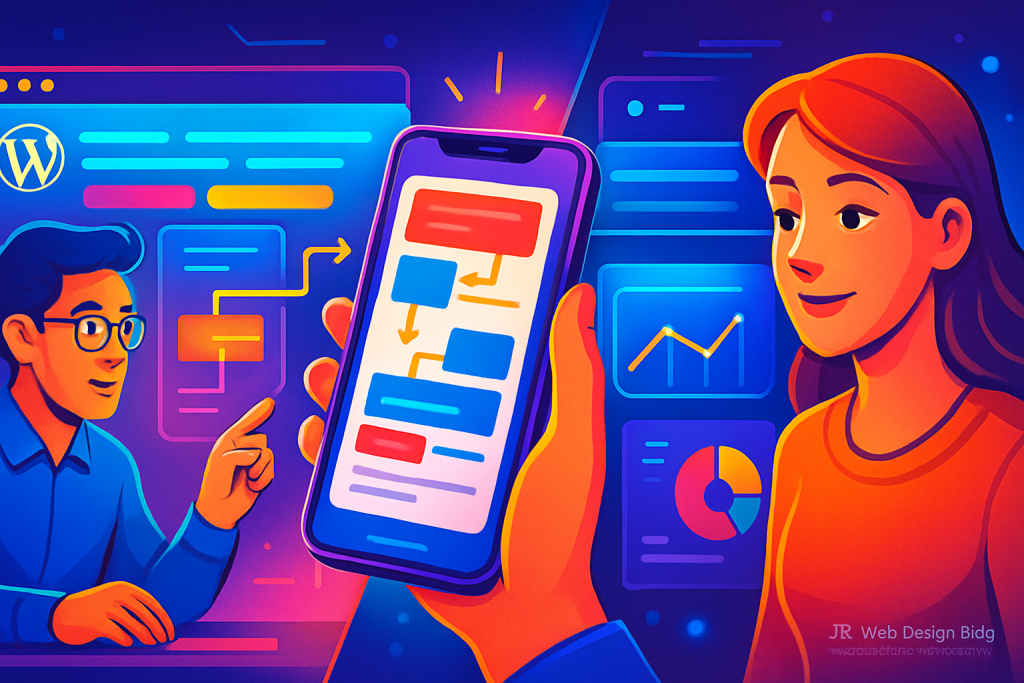
Unlocking the Power of Internal Linking
Internal linking is more than just connecting your pages. It’s a powerful strategy to enhance user experience and improve your website’s overall performance.
Understanding Internal Linking
Internal linking refers to the practice of creating hyperlinks that direct users from one page of a website to another. This strategy not only helps with SEO but also enhances navigation, guiding visitors to the most relevant content. For beginners and small business owners, mastering internal linking can significantly improve the usability and effectiveness of your website.
Why Internal Linking Matters
Having a well-structured internal linking layout promotes better indexing by search engines and improves user engagement. Here’s why it’s essential:
- Helps search engines understand your website’s structure.
- Enhances the visibility of important pages.
- Reduces bounce rates by guiding users to related content.
- Boosts the overall SEO of your website.
Advanced Internal Linking Strategies
Here are some advanced strategies to consider for an effective internal linking layout:
1. Contextual Links
Embed internal links within the content naturally. For example, if you write about a service, link to a related blog post. This contextual linking encourages users to explore more.
2. Link to High-Value Pages
Identify your high-converting pages and ensure they are well-connected. Use varied anchor texts that entice clicks, making it clear what users can expect when they follow the link.
3. Use Navigation Menus Wisely
Your navigation menu should include links to important pages. This strategy simplifies user navigation and makes significant pages easily accessible.
4. Breadcrumbs for Better Navigation
Implement breadcrumb links to improve navigation paths. This not only enhances user experience but also aids search engines in understanding your site structure.
Modern WordPress Design Angle
WordPress design has evolved significantly. A modern layout isn’t just aesthetically pleasing; it’s functional. Here’s how internal linking integrates with contemporary design principles:
Responsive design ensures that links are easily clickable on mobile devices. Incorporating ample white space around links can enhance visibility and accessibility. Consider using plugins that help create smart internal linking suggestions based on your content, saving you time while ensuring your links are strategic.
Furthermore, modern WordPress themes often come with built-in options for managing internal links. Themes like Astra or OceanWP allow customisation that makes linking intuitive, aiding in a seamless user experience. Additionally, themes equipped with drag-and-drop builders enable you to position links strategically without compromising design integrity.
To further enhance your design, consider using modular layouts that allow for dynamic linking opportunities. This approach not only enriches the content but also improves discoverability, leading to better engagement metrics.
UX and Accessibility Considerations
When designing internal links, consider user experience (UX) and accessibility. Your links should be clearly visible and distinguishable from regular text. Here are some practical tips:
- Use contrasting colours for links.
- Ensure font size is legible.
- Provide descriptive anchor text.
- Make sure links open in the same tab unless necessary.
Additionally, consider implementing ARIA (Accessible Rich Internet Applications) attributes to enhance screen reader compatibility. This small adjustment not only improves accessibility but also reflects a commitment to inclusivity, which can enhance your brand reputation.
Speed and Performance
Website speed is crucial for user retention and SEO. Ensure that your internal linking strategy doesn’t slow down your site. Avoid excessive linking on a single page, as this can lead to clutter and negatively impact loading times. Utilize caching plugins and optimised images to maintain speed.
Consider using tools like GTmetrix or Google PageSpeed Insights to monitor your site’s performance. These tools can provide valuable insights into how your internal links and overall design are affecting load times, allowing you to make informed adjustments.
Monitoring Internal Linking Success
To evaluate the effectiveness of your internal linking strategy, consider the following metrics:
- Page views per visit.
- Bounce rates.
- Average session duration.
- Conversion rates.
Utilise tools like Google Analytics to track these metrics. A decrease in bounce rates or an increase in page views can indicate that your internal linking strategy is working well. Additionally, heatmapping tools can provide insight into how users interact with your links, allowing for further refinement of your internal linking strategy.
Conclusion: The Impact of Internal Linking on Your Website
In conclusion, advanced internal linking layouts are essential for website success. With a focus on user experience, accessibility, and modern design principles, small business owners can create a more engaging and effective online presence. Remember, it’s not just about linking pages; it’s about creating a cohesive journey for your visitors that leads to higher engagement and conversion rates. Implement these strategies and watch your website thrive. As you refine your internal linking approach, stay abreast of industry trends and continuously adapt to the evolving digital landscape to maintain a competitive edge.
Moreover, integrating feedback loops can also enhance your internal linking strategy. Encourage users to provide feedback on their navigation experience, and use this data to fine-tune your approach. Conduct A/B testing on different linking styles to determine what resonates best with your audience.
In addition, consider the role of user intent when crafting your internal links. Understanding what users are looking for can help you tailor your linking strategy to better meet their needs. This means analyzing search queries, user paths, and even utilizing keyword research to inform your internal linking decisions.
Finally, as you develop your internal linking strategy, remember that it should evolve as your content does. Regularly audit your internal links to ensure they remain relevant and effective. Remove broken links, update outdated content, and add new links to fresh content to keep your site dynamic and user-friendly.