
WordPress Article
Advanced Accessibility Patterns for Navigation and Modals, Enhance User Experience
A practical guide to advanced accessibility patterns for navigation and modals, including UX, accessibility, speed, conversion, and modern website design decisions for better results.
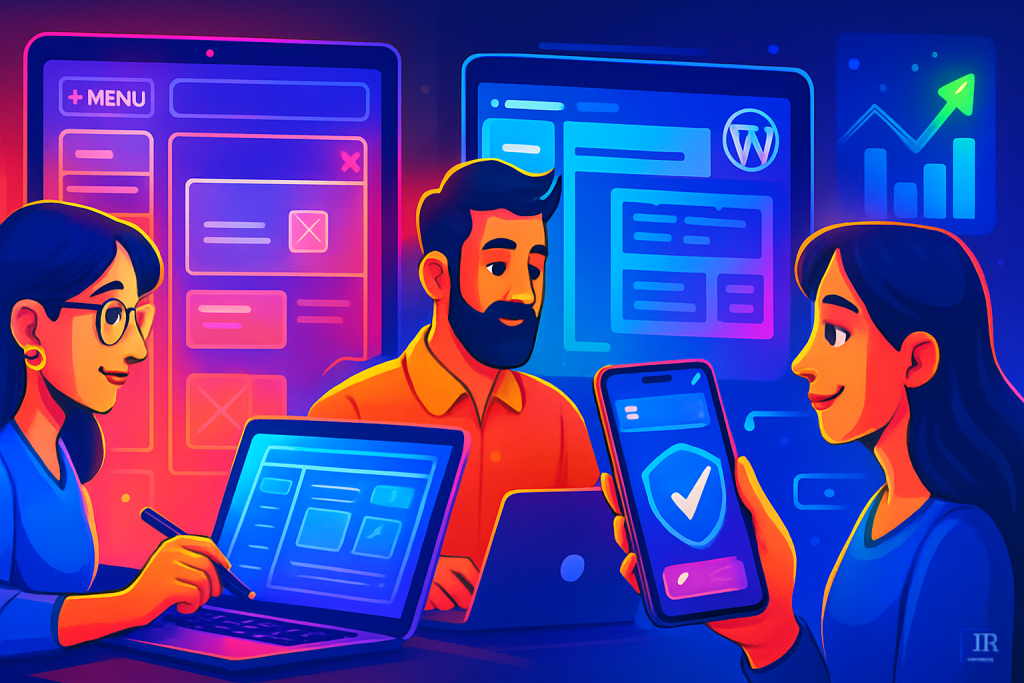
Advanced Accessibility Patterns for Navigation and Modals
Building a website isn’t just about aesthetics; it’s also about making sure everyone can use it. In this guide, we’ll dive into advanced accessibility patterns for navigation and modals. We’ll focus on techniques that boost user experience, engagement, and ultimately, conversions.
Understanding Accessibility in Web Design
Accessibility means ensuring that all users, regardless of their abilities or disabilities, can access and navigate your website. In Australia, web accessibility is not just a good practice; it’s a legal requirement under the Disability Discrimination Act. Designing with accessibility in mind can significantly improve the overall user experience. By addressing accessibility, you not only comply with legal standards but also reach a wider audience, enhancing your site’s credibility and trustworthiness.
Why Navigation Matters
Navigation is the backbone of any website. A well-structured navigation system can guide users to the information they need quickly. For people with disabilities, effective navigation becomes even more critical. Poor navigation can lead to frustration and abandonment of the site. Ensuring that users can find their way around easily enhances the overall usability of your site. Well-designed navigation reduces cognitive load, allowing users to focus on content rather than struggling to find their way around.
Advanced Navigation Patterns
Here are some advanced accessibility patterns for navigation that can help improve usability:
- Skip Links: Allow users to skip repetitive content. This is particularly useful for screen reader users.
- ARIA Landmarks: Use ARIA (Accessible Rich Internet Applications) roles to define areas such as navigation, main content, and footers. This helps assistive technologies understand the layout better.
- Keyboard Navigation: Ensure that all interactive elements are accessible via keyboard only. This means using the Tab key to navigate through links and buttons.
- Focus Management: Manage focus effectively when a modal opens. Make sure the focus is on the first interactive element inside the modal to help users navigate easily.
- Descriptive Link Text: Use clear and descriptive text for links. Avoid generic terms like ‘click here’ to help users understand where a link will take them.
Effective Modal Patterns
Modals can enhance user experience but can also create barriers if not designed properly. Here are some advanced patterns to consider:
- Semantic HTML: Use appropriate HTML tags for the modal. This aids screen readers in announcing the modal correctly.
- Close Functionality: Always provide a clear method to close the modal. This could be a close button and the ability to click outside the modal to dismiss it.
- Trap Focus: When a modal is active, the keyboard focus should remain within the modal until it’s closed. This means users can’t accidentally tab out of it.
- Descriptive Titles: Give the modal a clear title that describes its content. This helps users understand what information they can find inside.
- Animation Considerations: If using animations for modal transitions, ensure they are not disorienting. Provide options to disable animations for users who may be sensitive to motion.
Modern WordPress Design Angle
WordPress has come a long way in terms of accessibility. Many modern themes come with built-in accessibility features that streamline the process. Here are some design considerations specific to WordPress:
- Choose the Right Theme: Opt for themes that are accessibility-ready. This ensures that basic accessibility features are already implemented.
- Use Popular Plugins: Plugins like WP Accessibility can help enhance your site’s accessibility by adding skip links, ARIA roles, and more.
- Mobile Responsiveness: With more users accessing websites on mobile devices, ensure your design is mobile-friendly and maintains accessibility across all screen sizes.
- Regular Updates: Keep your themes and plugins updated to benefit from the latest accessibility features and security enhancements.
- Customizable Options: Choose themes that allow for customization without compromising accessibility. This flexibility can help maintain brand identity while ensuring usability.
Testing for Accessibility
Testing your website for accessibility is crucial. Use tools like:
- WAVE: A web accessibility evaluation tool that provides visual feedback about the accessibility of your web content.
- axe: A browser extension that helps identify accessibility issues.
- Screen Readers: Test your site with screen readers like NVDA or JAWS to experience how accessible your site truly is.
- User Testing: Involve real users with disabilities in your testing process to gain insights that automated tools may miss.
- Accessibility Checklists: Use comprehensive checklists to ensure all aspects of your site are covered during the testing phase.
Common Challenges and Solutions
While implementing these advanced accessibility patterns, you might face some challenges:
- Lack of Awareness: Many developers may not be familiar with accessibility concerns. Training and resources can help bridge this gap.
- Design Constraints: Sometimes, aesthetic choices may clash with accessibility. Collaborate with designers to find a balance.
- Testing Limitations: Accessibility testing can be time-consuming. Use automated tools but remember to conduct manual testing as well.
- Budget Constraints: Sometimes, implementing accessibility features may seem costly. However, investing in accessibility can lead to a broader audience and increased engagement.
Conclusion
Accessibility is an essential aspect of modern web design that goes beyond compliance; it enriches user experience for everyone. By implementing advanced accessibility patterns for navigation and modals, you can make your WordPress site more user-friendly, appealing, and compliant with Australian standards. As you develop your website, keep accessibility at the forefront of your design decisions to build a more inclusive web. The journey toward accessibility is ongoing, but the rewards are well worth the effort. Encourage feedback from users to continuously improve your site’s accessibility.
Additional Resources
To further enhance your understanding and implementation of accessibility in WordPress, consider exploring the following resources:
- Web Content Accessibility Guidelines (WCAG): Familiarize yourself with the guidelines that set the standard for web accessibility.
- Accessibility in WordPress: The official WordPress documentation provides insights and best practices for creating accessible content.
- Community Forums: Engage with communities focused on accessibility. They can offer support, tips, and shared experiences that can be invaluable.
- Online Courses: Consider enrolling in online courses that specialize in web accessibility to deepen your knowledge and skills.
Future Trends in Accessibility
As technology evolves, so do accessibility standards. Keeping an eye on emerging trends is essential for staying ahead:
- AI Integration: Artificial Intelligence can play a role in enhancing accessibility features automatically.
- Voice Navigation: With the rise of voice-activated technology, ensuring your site is navigable by voice commands will become increasingly important.
- Augmented Reality (AR): As AR becomes more integrated into web experiences, making these technologies accessible will be paramount.
- Personalization: Future design might focus on personalized accessibility features that adapt to individual user needs and preferences.
Final Thoughts
Incorporating advanced accessibility patterns in navigation and modals is not just a best practice; it’s a necessity for creating a website that caters to all users. By prioritizing accessibility in your WordPress design, you contribute to a more equitable online environment. Let your commitment to accessibility shine through in every aspect of your site, from navigation to modals, ensuring that every user has a seamless experience. Remember, accessibility is a continuous journey, and staying informed on best practices and emerging trends will help you create a more inclusive web.