
WordPress Article
Modern Header Design for WordPress Websites
A practical guide to modern header design for WordPress websites, including real WordPress theme advice, usability, speed, and a focused modern design section.
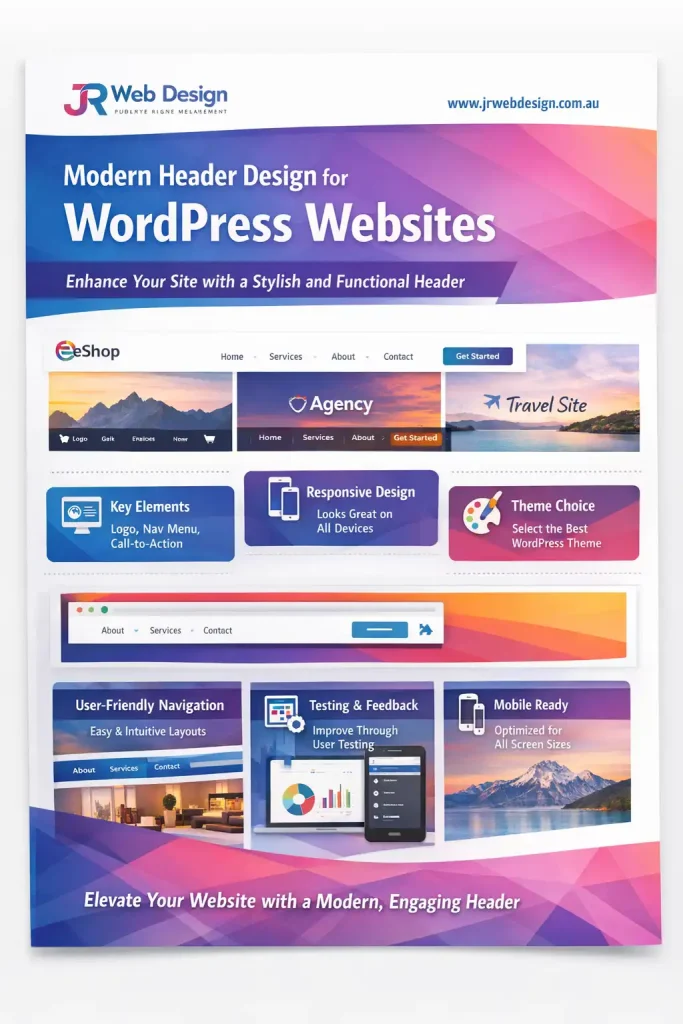
Modern Header Design for WordPress Websites
Creating a modern header for your WordPress website is crucial. It sets the tone for your site and serves as the first impression for your visitors. This guide will provide practical tips and insights to create headers that are not only visually appealing but also functional. A well-designed header can make navigating your site intuitive, ensuring that visitors stay longer and engage more with your content.
Understanding the Importance of a Modern Header
Your website header is like the front door to your business online. It needs to be inviting and informative. Modern headers should be clean, showcasing your brand clearly and guiding visitors to key sections of your site. They serve as a navigational hub, directing users to essential pages such as services, about us, and contact information, thereby enhancing the overall user experience. A well-structured header can significantly reduce bounce rates, as users are less likely to leave your site when they can easily find what they are looking for.
Key Elements of a Modern Header Design
A modern header typically includes your logo, navigation links, a search bar, and contact information. All these elements should be aligned and spaced correctly to avoid clutter. Remember, simplicity is key. A minimalist design can enhance user experience by making it easier for visitors to find what they need. Incorporating a clear call-to-action in your header, such as a button for booking or subscribing, can also drive user engagement. Additionally, considering the visual hierarchy is essential. Elements such as size, color, and placement can guide users’ attention to the most important features of your header.
Choosing the Right WordPress Theme
When selecting a WordPress theme, look for one that offers modern header options. Many themes provide customizable header layouts. Popular themes like Astra and OceanWP are highly flexible and user-friendly, allowing you to create a header that reflects your brand. Additionally, consider themes that support plugins which enhance header functionality, giving you even more control over the design and user experience. A theme with built-in options for sticky headers or mega menus can greatly enhance the usability of your site, providing visitors with easy access to more content without overwhelming them.
Mobile Responsiveness
In today’s mobile-first world, having a responsive header is vital. Ensure that your header looks good on all devices, especially smartphones and tablets. Test your site’s header on various screen sizes to guarantee a seamless experience for all users. A responsive header not only improves usability but also enhances SEO, as search engines prioritize mobile-friendly designs in their rankings. Make use of tools like Google’s Mobile-Friendly Test to ensure your header is optimized for smaller screens. Remember that touch targets should be large enough for easy navigation, which is particularly important on mobile devices.
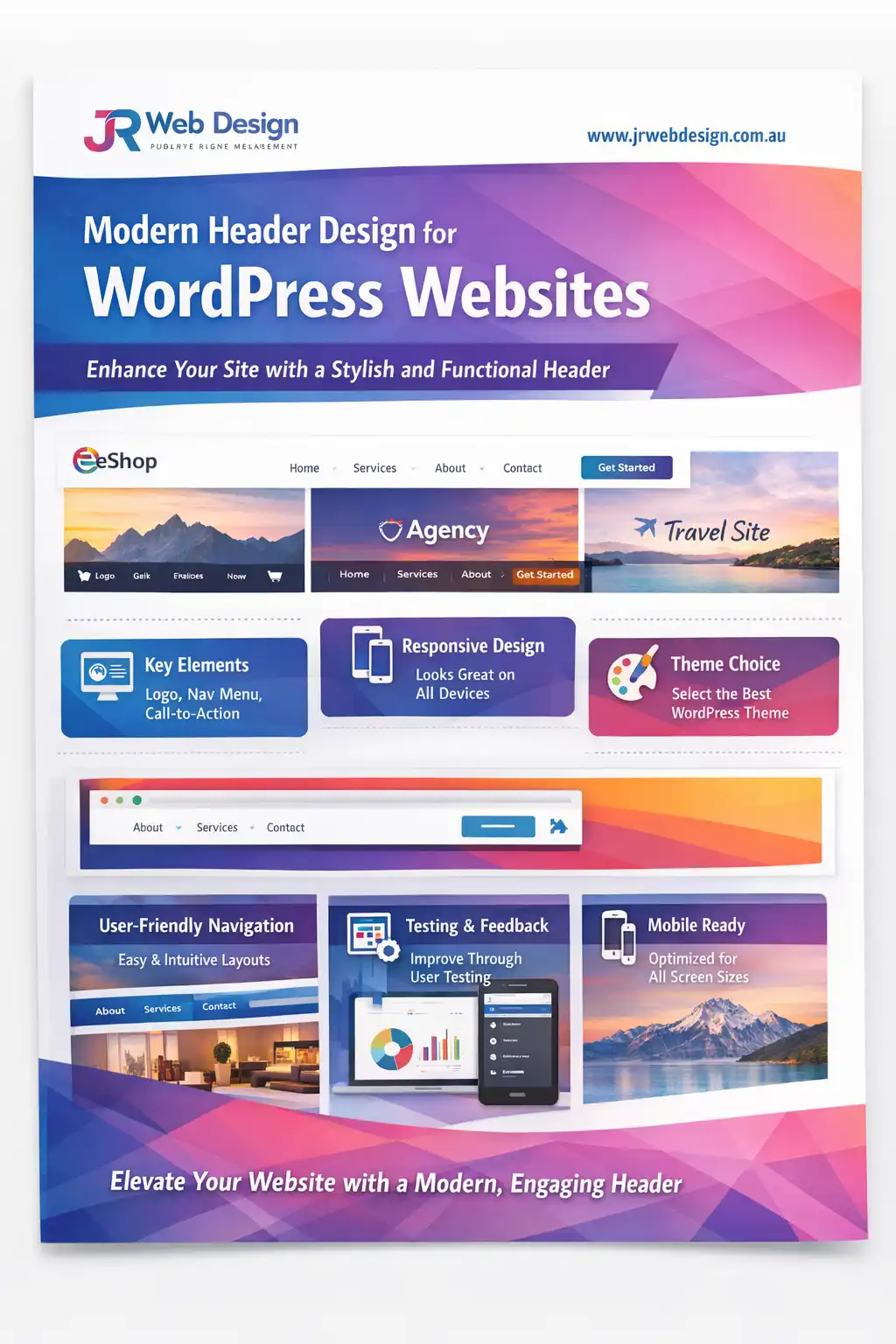
Free WordPress Guide
Modern Header Design for WordPress Websites
Download the PDF guide and see practical ideas to build a cleaner, more modern website header.
Modern WordPress Design Angle
Modern WordPress design focuses on clean aesthetics and usability. This means adopting a layout that prioritises readability and navigation. When designing your header, think about how it contributes to the overall user experience. Use plenty of white space to draw attention to essential elements, such as your logo and navigation links. The right combination of font styles and colours can enhance your brand identity. Keep in mind that a modern design is not just about looks; it’s about creating an intuitive experience that encourages users to engage more deeply with your content. Incorporating dynamic elements such as hover effects can also add a contemporary flair to your header. Furthermore, consider the accessibility of your design. Ensuring that your header is navigable for all users, including those with disabilities, is an important aspect of modern web design.
Enhancing Usability with Plugins
Plugins can significantly boost the functionality of your header. Consider using plugins that allow for sticky headers, making navigation accessible as users scroll down. Other useful plugins include those that integrate social media links directly into your header, giving users quick access to your profiles. Additionally, plugins that enable custom icons or animations can make your header more engaging, inviting users to explore further. A plugin that facilitates dropdown menus can also improve user experience, allowing for a cleaner design while still providing access to a wealth of information. Moreover, using analytics plugins can help you track how users interact with your header, enabling data-driven adjustments to improve usability.
Testing Your Header
After designing your header, it’s crucial to test its effectiveness. Gather feedback from users and friends. Are they able to navigate easily? Does your header look appealing? Use tools like Google Analytics to track how visitors interact with your header. This data can provide insights into what works and what doesn’t. A/B testing different header designs can also uncover which elements are most effective in driving user engagement. Pay attention to metrics such as click-through rates on navigation links, as these can indicate how well your header is functioning. Regularly reviewing and updating your header based on user feedback and analytics can ensure it remains effective and aligned with user needs.
Trust-Building Presentation
A well-crafted header can enhance trust with your visitors. Including elements such as testimonials or client logos in your header can showcase your credibility. Make sure your header design aligns with your overall branding to reinforce your message and build trust. Consistency in design across your website fosters reliability, encouraging visitors to return and share your content. Additionally, a secure header with visible security badges or trust seals can further reassure users about the safety of their information, especially in e-commerce environments. This trust factor can be a significant determinant in users’ decision-making processes when interacting with your site.
Conclusion
In short, modern header design for WordPress websites is about striking a balance between aesthetics and functionality. Focus on user experience, navigation, and responsiveness to create a header that not only looks good but also serves its purpose effectively. By following these guidelines, you can create a header that enhances your website and attracts visitors. Remember that your header is not just a static element; it can evolve as your brand grows, adapting to new trends and user preferences. Keeping abreast of design trends and user behavior will allow you to continually refine your header, ensuring it remains a powerful tool in your website’s overall success.